
Revolutionize Your Interior Designs with SketchUp
Interior design demands creativity, precision, and efficiency to deliver spaces that align with a client’s lifestyle and vision. In a highly competitive market, adopting the right tools can give you an undeniable advantage. Here is where SketchUp comes into play. By understanding how SketchUp Interior Design will realize it offers far more than basic 3D modeling. It empowers you to create, communicate, and execute your designs with confidence and clarity.
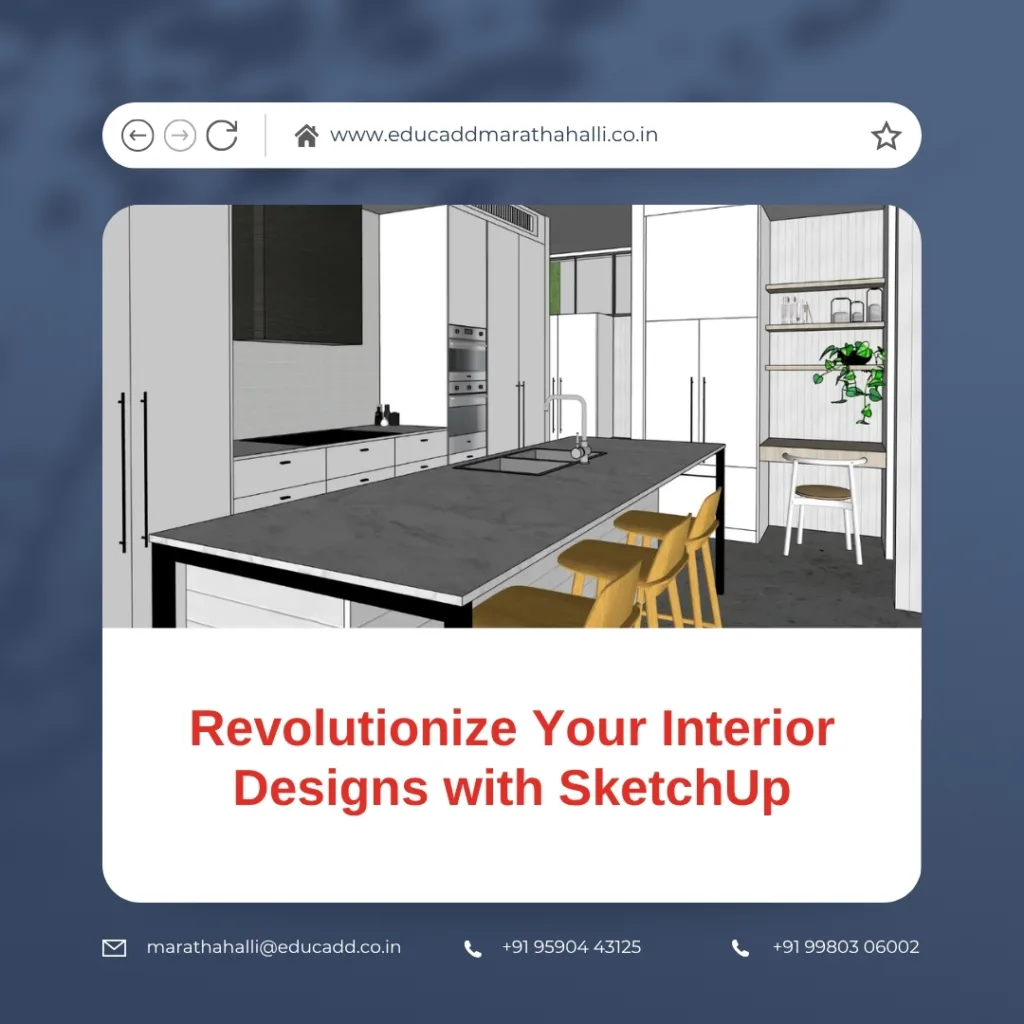
SketchUp interior design workspace with 3D model on screen
Visualize Designs Like Never Before
Every designer knows the struggle of explaining a design idea through flat sketches or mood boards alone. Often, clients find it challenging to visualize spatial layouts and material finishes from 2D drawings. However, with SketchUp, you can transform your ideas into detailed 3D models, allowing clients to experience their future spaces virtually.
Furthermore, this visualization process is not just about presenting pretty images. It becomes a practical step in refining your design decisions. You can experiment with layouts, play with furniture arrangements, and test different color schemes effortlessly. Because SketchUp allows real-time updates, you can instantly demonstrate how slight changes can transform the space’s functionality and aesthetics.
Additionally, SketchUp’s user-friendly interface ensures that even those with minimal 3D modeling experience can navigate it with ease. This means you can focus on refining your creativity without getting entangled in complicated commands, making your workflow smoother and faster.
Achieve Precision in Space Planning
Precise space planning is a non-negotiable element of interior design. A well-designed space balances beauty and functionality, ensuring your clients can enjoy their environment comfortably. Using SketchUp Interior Design, you can plan every detail meticulously, ensuring that your layouts will work seamlessly when translated to reality.
SketchUp’s measurement and scaling tools allow you to build accurate floor plans and interior layouts while maintaining visual harmony. You can assess circulation paths, check furniture clearances, and optimize space utilization efficiently. As a result, your designs become practical, ensuring your clients receive a functional living or working space.
Moreover, SketchUp enables you to generate clear plans, sections, and elevations directly from your 3D model. This integrated workflow eliminates the need to recreate drawings in different software, saving significant time while maintaining consistency across your documentation.
Because of this seamless process, you can handle revisions quickly when clients request modifications, ensuring you deliver projects on schedule without compromising the design’s quality.
Streamline Client Communication and Feedback
Client satisfaction is at the heart of a successful interior design business. However, many designers struggle to bridge the communication gap between technical drawings and client understanding. With SketchUp, you can bridge this gap effectively, providing clear, interactive visuals that encourage client involvement.
For instance, using SketchUp, you can present clients with 3D walkthroughs, allowing them to understand how the spaces will look and feel. This immersive experience enables clients to participate actively in the design journey, leading to quicker decision-making and higher satisfaction.
Additionally, SketchUp’s sharing features, like cloud-based collaboration through Trimble Connect, enable you to work seamlessly with clients and contractors. This way, clients can view the model, suggest changes, and provide immediate feedback, ensuring alignment throughout the design process.
Moreover, the ability to adjust designs in real-time during discussions can significantly reduce the back-and-forth typically associated with client approvals. As a result, you can progress confidently with the assurance that the final design aligns with the client’s vision and expectations.
Bring Materials and Lighting Concepts to Reality
Material finishes and lighting are the soul of any interior design project. However, conveying how these elements will translate into the real space can be a challenge, particularly when dealing with clients who may not have a design background. SketchUp helps overcome this challenge by offering realistic visual representations of materials and lighting in your designs.
By integrating rendering plugins like V-Ray or Enscape, SketchUp enables you to simulate natural and artificial lighting, shadow play, and reflections within your model. You can demonstrate how different lighting schemes can influence the ambiance of the space during various times of the day.
Additionally, material finishes can be applied directly within your SketchUp model, allowing clients to see the interplay of colors and textures in context. This helps clients finalize decisions on finishes more confidently, reducing the chances of dissatisfaction after project completion.
Furthermore, when clients are unsure between multiple finishes, you can prepare quick comparative renders, making it easier for them to choose without confusion. This proactive and transparent approach builds trust with clients and speeds up the decision-making process.
Increase Efficiency in Project Execution
Efficiency in workflow is essential for maintaining profitability while ensuring high-quality outcomes in interior design. SketchUp is not just a modeling tool; it serves as a complete workflow solution for your interior projects, helping you save time and manage resources effectively.
With SketchUp, you can create detailed 3D models, generate working drawings, and prepare presentation boards from a single platform. This seamless workflow reduces the need to switch between multiple software tools, saving valuable time and reducing the possibility of errors.
Moreover, SketchUp’s extensive plugin ecosystem allows you to customize your workflow according to your project needs. Whether you need advanced lighting simulations, precise material cost estimations, or enhanced rendering, SketchUp’s ecosystem supports your workflow, allowing you to deliver polished projects on time.
Additionally, SketchUp’s compatibility with other CAD software enables smooth collaboration with engineers, contractors, and architects, ensuring that everyone involved in the project is aligned with the design vision. This reduces miscommunication, minimizes costly errors during execution, and improves overall project management.
Conclusion
SketchUp Interior Design into your workflow is more than just upgrading your design tools. It is about transforming how you conceptualize, present, and execute your interior design projects. When you explore how SketchUp can elevate your interior projects, you realize it empowers you to visualize with clarity, plan with precision, communicate effectively, and execute efficiently.
SketchUp provides a platform where your creative visions can flourish while ensuring practicality and client satisfaction. It becomes your partner in delivering projects that meet aesthetic goals while remaining functional and realistic for your clients.
Whether you are an emerging designer looking to strengthen your design presentation or an established firm seeking workflow efficiency, integrating SketchUp into your process can significantly enhance your design practice. By adopting this versatile tool, you can revolutionize your interior designs, ensuring each project you undertake is a true reflection of your creative vision while meeting your clients’ expectations seamlessly.
If you are ready to take your design journey to the next level, now is the perfect time to explore SketchUp’s capabilities. Once you experience how it streamlines your workflow and enhances client collaboration, you will understand why so many designers consider it an essential part of their creative process.

