
Road Design Using Civil 3D – Your Pathway to Smarter Engineering Starts Today
Civil engineering is evolving rapidly, and modern infrastructure projects demand advanced tools that go beyond manual drafting. Traditional methods often fall short when it comes to precision, speed, and efficiency. This is where Road Design Civil 3D proves its value. It empowers engineers to design, analyze, and visualize road networks with unmatched accuracy.
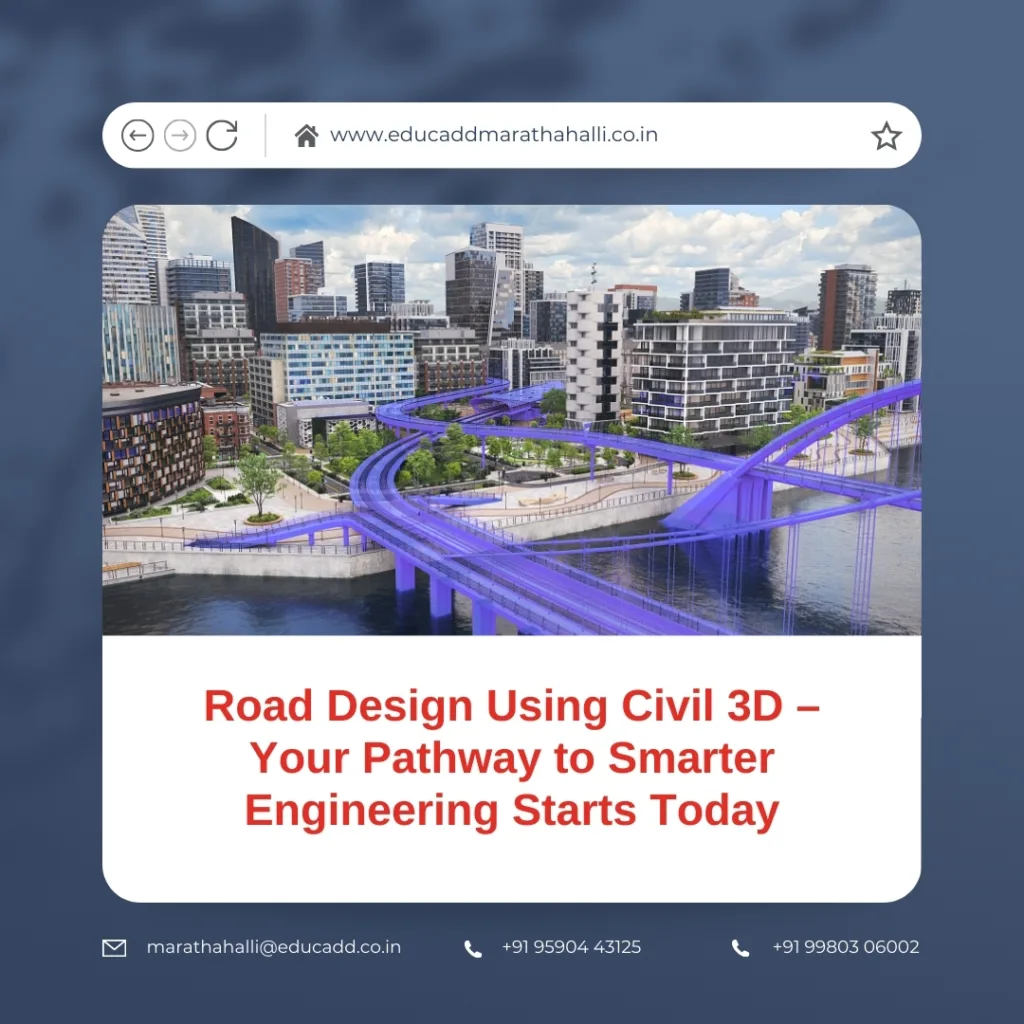
Road Design Civil 3D
If you aim to grow in the field of transportation and infrastructure, learning road design using Civil 3D is a smart step. It not only sharpens your technical expertise but also increases your career opportunities. In this article, we will explore why Civil 3D is vital, its most important features, practical applications, learning methods, and the professional benefits of mastering it. By the end, you will see why starting today is the right decision.
Why Civil 3D is Transforming Road Design
Road networks form the backbone of economic and social development. From highways to rural roads, every project demands accuracy and efficiency. Unlike basic drafting tools, Civil 3D provides a model-based environment that reacts instantly to design changes.
For example, when you modify an alignment, all related profiles, cross-sections, and corridors update automatically. This feature eliminates repetitive work and reduces human errors. Moreover, Civil 3D improves teamwork because designers, surveyors, and planners can work in the same data environment. This ensures consistency across the project lifecycle.
Therefore, road design using Civil 3D is not limited to drawing lines. Instead, it creates intelligent models that behave like real-world systems. This shift from static drawings to dynamic design makes Civil 3D a true game-changer.
Key Features That Support Road Design Using Civil 3D
Civil 3D comes loaded with tools that simplify road design while ensuring accuracy. Here are some of its most useful features:
-
Alignment Tools – These help in building the backbone of a roadway, including curves and straight sections, with ease and precision.
-
Profiles and Elevations – Users can generate surfaces from survey data and then design vertical alignments that match the natural terrain.
-
Corridor Modeling – With this feature, engineers can create full 3D models of roads by combining alignments, profiles, and assemblies.
-
Cross-Section Views – Civil 3D allows dynamic cross-sections at chosen intervals, ensuring the design aligns with construction needs.
-
Material and Quantity Reports – Engineers can calculate cut-and-fill volumes, which helps in accurate cost estimation.
These tools make Civil 3D far more than a drafting software. They turn it into an intelligent design platform capable of handling projects of every scale.
Steps to Begin Learning Road Design Using Civil 3D
Starting your learning journey may feel overwhelming at first, but a step-by-step approach makes it manageable. Whether you are a student or an experienced professional, you can start building skills today.
Step 1: Strengthen Your CAD Basics
Since Civil 3D runs on the AutoCAD platform, it is important to understand AutoCAD fundamentals. This knowledge makes the transition smoother.
Step 2: Get Comfortable with the Interface
Explore menus, toolspaces, and settings. Learn how to manage drawing templates and styles, as these are essential for project organization.
Step 3: Practice Surfaces and Alignments
Begin with surface creation using survey points or contour data. Then focus on horizontal and vertical alignments since they form the foundation of any roadway.
Step 4: Explore Corridor Design
Experiment with assemblies and subassemblies to create 3D corridor models. Modify profiles and observe how the model adjusts automatically.
Step 5: Learn Reporting and Analysis
Study how to generate cross-sections, compute volumes, and prepare construction-ready documentation. These skills connect design to field execution.
To accelerate learning, you can join certification programs, watch tutorials, or take part in hands-on workshops. Regular practice ensures you become proficient in just a few months.
Real-World Applications of Road Design Using Civil 3D
Civil 3D is not only a learning tool—it drives real infrastructure projects worldwide. Here are some areas where it plays a crucial role:
-
Highway Design – Multi-lane highways, interchanges, and expressways often rely on Civil 3D for accurate geometry and smooth traffic flow.
-
Urban Development – City planners use it to design streets, intersections, and utility layouts in congested areas.
-
Rural Connectivity – Civil 3D supports cost-effective road designs that connect villages and towns, boosting regional development.
-
Eco-Friendly Designs – The software integrates with drainage and hydrology tools, helping engineers create sustainable road projects.
-
Reconstruction and Upgradation – Civil 3D makes it easy to analyze old road networks and redesign them without disrupting traffic.
By creating both 2D and 3D views, Civil 3D ensures that all stakeholders—from engineers to government officials—can visualize projects before construction begins. This reduces costly delays and increases approval rates.
Career Advantages of Learning Road Design Using Civil 3D
The demand for skilled professionals in road and highway projects is rising. Governments and private firms continue to invest heavily in infrastructure, which makes Civil 3D skills more valuable than ever.
More Employment Opportunities
Companies now consider Civil 3D expertise a core requirement. Professionals who can design roads in Civil 3D enjoy better job prospects compared to those who rely on traditional methods.
Higher Salary Packages
Because Civil 3D experts can deliver faster and more accurate designs, they often secure higher pay scales. Employers value the productivity boost these professionals bring.
Global Career Growth
Civil 3D is widely used in international projects. Mastering it today opens doors to overseas opportunities and cross-border collaborations.
Specialization Options
Civil 3D expertise can also lead to niche career paths such as roadway engineer, transportation consultant, or infrastructure planner. Each of these fields promises growth and stability.
When you start learning today, you position yourself ahead of competitors who may still depend on outdated methods.
Conclusion: Begin Your Civil 3D Journey Now
The future of infrastructure design is digital, and Civil 3D is at the center of that transformation. By learning road design using Civil 3D, you gain a skill that combines speed, precision, and adaptability.
Every project—from highways to rural connections—needs engineers who can use advanced tools. By building your expertise today, you not only improve your technical skills but also make yourself highly employable.
So, take the first step now. Begin exploring Civil 3D, enroll in a course, and practice regularly. Your journey to becoming a skilled roadway designer starts today, and it will shape the infrastructure of tomorrow.

