
Driving Project Clarity with Primavera Reporting: A Complete Guide to Tracking Progress Effectively
In today’s complex project landscape, tracking progress with precision determines the success or failure of every initiative. Whether you manage large-scale construction, infrastructure, or IT projects, visibility into timelines, costs, and performance metrics is crucial. That’s where Primavera Project Reporting becomes a game-changer.
Primavera, developed by Oracle, is more than a scheduling tool — it’s a comprehensive project management ecosystem designed to streamline reporting, forecasting, and control. Through its advanced reporting capabilities, Primavera helps project teams visualize real-time data, evaluate performance, and take timely corrective actions.
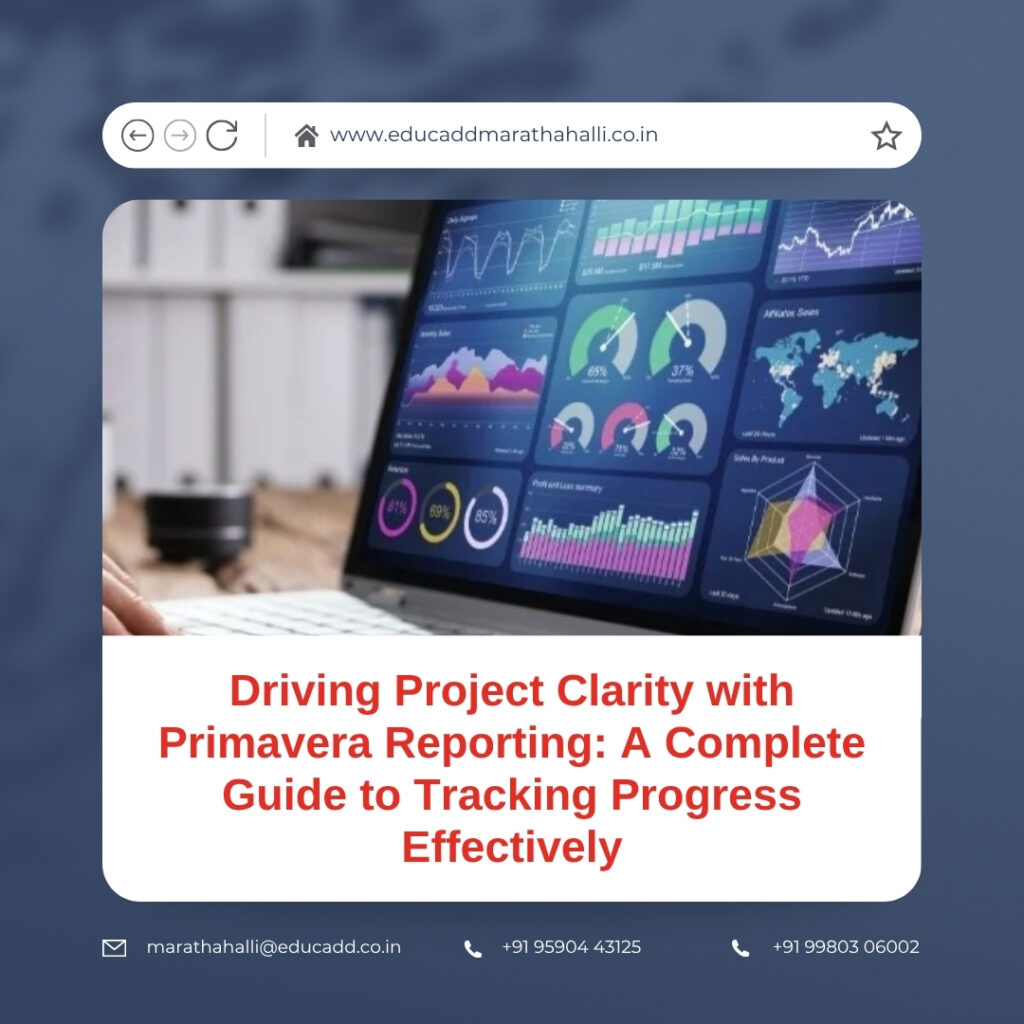
Primavera Project Reporting
This blog explores Primavera Project Reporting, the different types of reports available, best practices for customization, and how data-driven insights strengthen project outcomes.
1. Understanding Primavera Reporting and Its Importance
Tracking project progress is not just about monitoring deadlines; it’s about understanding performance trends, anticipating risks, and making informed decisions. Primavera Reporting offers these advantages by transforming raw project data into clear visual insights.
Primavera P6, the flagship solution, provides built-in and customizable reports that cover every project dimension — from schedule variance and resource allocation to earned value and budget performance. Each report can be configured to show real-time data, ensuring accuracy and transparency across teams.
Why Primavera Reporting Matters
-
Real-Time Visibility: Managers can see live updates on project progress, costs, and resource usage.
-
Data-Driven Control: Reports provide the foundation for corrective actions before issues escalate.
-
Stakeholder Confidence: Transparent reporting builds trust among clients, investors, and team members.
-
Predictive Analysis: Trend reports help forecast potential delays or cost overruns.
For example, when a construction firm uses Primavera Reporting to compare planned versus actual progress, it quickly identifies underperforming areas and adjusts schedules or budgets accordingly. This proactive approach enhances delivery efficiency and profitability.
2. Core Features of Primavera Reporting for Tracking Progress
Primavera’s reporting engine combines flexibility, depth, and automation, making it ideal for complex multi-phase projects. Below are the essential features that simplify progress tracking:
a) Built-in Report Library
Primavera P6 includes a wide range of pre-designed templates such as:
-
Activity Performance Reports
-
Earned Value Analysis Reports
-
Baseline Comparison Reports
-
Resource Usage Profiles
-
Cost and Schedule Variance Reports
These built-in templates save time and ensure consistency across multiple projects.
b) Custom Report Builder
For organizations with specific reporting requirements, the Report Wizard and BI Publisher allow the creation of customized templates. You can select fields, define parameters, and apply filters to focus only on relevant data — such as a department’s progress or a contractor’s performance.
c) Dashboards and KPIs
Primavera’s dashboards visualize metrics through bar charts, S-curves, and pie graphs. Managers can track key performance indicators (KPIs) like productivity rate, resource utilization, and progress deviations in real time.
d) Integration with Oracle BI and Other Tools
Primavera Reporting integrates seamlessly with Oracle BI, Power BI, and Excel, allowing data sharing across corporate systems. This interoperability enables teams to build multi-dimensional reports that combine project, financial, and operational data for a holistic overview.
e) Automated Scheduling and Distribution
Reports can be auto-generated and distributed to stakeholders at defined intervals. This feature ensures every decision-maker stays informed without manually pulling reports, reducing delays and human error.
In short, Primavera Reporting helps turn data into continuous project intelligence, empowering managers to take control of project direction and progress.
3. How to Track Project Progress Effectively Using Primavera Reporting
While Primavera provides the tools, the real impact lies in how reports are used strategically. Let’s explore a step-by-step approach to effectively track project progress through Primavera Reporting.
Step 1: Establish Baselines
Before tracking begins, define your baseline schedule — the benchmark against which actual progress is measured. Primavera allows you to create multiple baselines for comparison, helping you assess changes and trends throughout the project lifecycle.
Step 2: Update Actuals Regularly
Input accurate and up-to-date progress data for activities, durations, and costs. Primavera’s reporting engine reflects these updates immediately, allowing stakeholders to review real progress against planned values.
Step 3: Generate Earned Value Reports
Earned Value Management (EVM) is one of Primavera’s strongest features. It compares Planned Value (PV), Earned Value (EV), and Actual Cost (AC) to determine:
-
Schedule Performance Index (SPI)
-
Cost Performance Index (CPI)
-
Variance at Completion (VAC)
These indicators highlight if your project is ahead or behind schedule and whether spending aligns with the budget.
Step 4: Analyze Schedule Variance Reports
Primavera Reporting’s schedule variance reports reveal where delays occur, which activities are critical, and how they affect the overall timeline. Managers can reallocate resources or reschedule tasks accordingly.
Step 5: Monitor Resource and Cost Reports
Tracking progress also involves evaluating manpower and budget efficiency. Primavera generates resource usage histograms, showing the workload and utilization rate of each team member or contractor. Similarly, cost reports summarize actual versus planned expenditure, helping maintain financial discipline.
Step 6: Review Dashboards and KPIs
For a broader view, the dashboard summarizes project health through KPIs such as progress percentage, delay trends, and earned value ratios. Regularly reviewing these visuals helps anticipate issues before they escalate.
Step 7: Communicate Insights
Finally, share reports with relevant stakeholders through automated distribution or live dashboards. Clear communication ensures accountability and keeps every stakeholder aligned with the project’s objectives.
Tracking project progress in Primavera is not merely about generating reports — it’s about creating a dynamic feedback loop where insights lead to continuous improvement.
4. Best Practices for Primavera Reporting in Project Progress Tracking
To maximize the effectiveness of Primavera Reporting, it’s important to follow certain best practices that ensure accuracy, clarity, and consistency.
1. Maintain Data Discipline
Reports are only as accurate as the data they rely on. Ensure your project team consistently updates progress, resources, and costs. Missing or delayed entries distort reporting accuracy.
2. Use Standardized Templates
Consistent report formats make it easier to compare projects or departments. Standard templates also reduce confusion and support corporate governance.
3. Schedule Regular Reviews
Don’t wait until the end of the month to check performance. Weekly or bi-weekly progress reports provide early warnings and allow proactive management.
4. Leverage Dashboards for Instant Insights
Instead of reading lengthy tables, use Primavera’s dashboards for quick decision-making. Visual KPIs save time and simplify understanding for non-technical stakeholders.
5. Train Teams on Reporting Tools
A well-trained team extracts more value from Primavera Reporting. Regular workshops and refreshers enhance their ability to generate, analyze, and interpret reports effectively.
6. Integrate Financial and Schedule Reports
Combining schedule data with financial metrics helps identify not only when delays occur but also how they impact costs. This integrated view drives smarter planning decisions.
7. Automate Where Possible
Automating report generation and distribution saves time and ensures stakeholders receive updates without delays. Primavera’s automation tools make this easy to implement.
Applying these best practices helps organizations maintain accurate, actionable, and timely project insights, strengthening control and performance management.
5. Future of Project Tracking with Primavera Reporting
The world of project management is evolving rapidly, and Primavera Reporting continues to adapt through innovation and AI-driven analytics. The future of progress tracking will focus on predictive and intelligent reporting that identifies potential risks even before they occur.
AI and Predictive Analytics
Modern Primavera integrations now utilize artificial intelligence to forecast performance trends. For example, machine learning models can analyze historical data to predict schedule slippages, cost overruns, or resource shortages — empowering managers to act in advance.
Cloud-Based Reporting
Oracle Primavera Cloud offers real-time collaboration and accessibility, allowing project teams across geographies to view live reports. This reduces delays in communication and enhances coordination between multiple stakeholders.
Enhanced Visualization Tools
Upcoming versions of Primavera are improving visualization interfaces, offering 3D progress tracking, advanced Gantt charting, and data storytelling through interactive dashboards.
Integration with IoT and Field Data
As IoT and digital twins gain momentum, Primavera Reporting can now incorporate real-time field data, including equipment usage, site progress photos, and sensor-based updates. This evolution ensures that progress tracking remains both accurate and dynamic.
The future of Primavera Reporting is data-driven, intuitive, and proactive — a true ally in achieving project excellence.
Conclusion: Turning Data into Decisions with Primavera Reporting
Project success depends on timely insights, accurate data, and effective action. Primavera Reporting combines all three, offering a structured way to Primavera Project Reporting with clarity and precision.
By integrating performance metrics, visual dashboards, and automated reporting, Primavera empowers managers to move beyond reactive control toward predictive project management. Whether you’re handling a small engineering task or a multi-billion-dollar infrastructure project, these reports enable transparency, accountability, and efficiency.

