
Project Success Simplified: Understanding Baselines in Primavera and Their Importance
Every successful project begins with a strong foundation. Planning is essential, but even the best plans lose value if you cannot measure progress against them. That is where the concept of a Primavera baseline management becomes indispensable. Many project managers hear the term often, yet only a few truly understand how it shapes the outcome of projects.
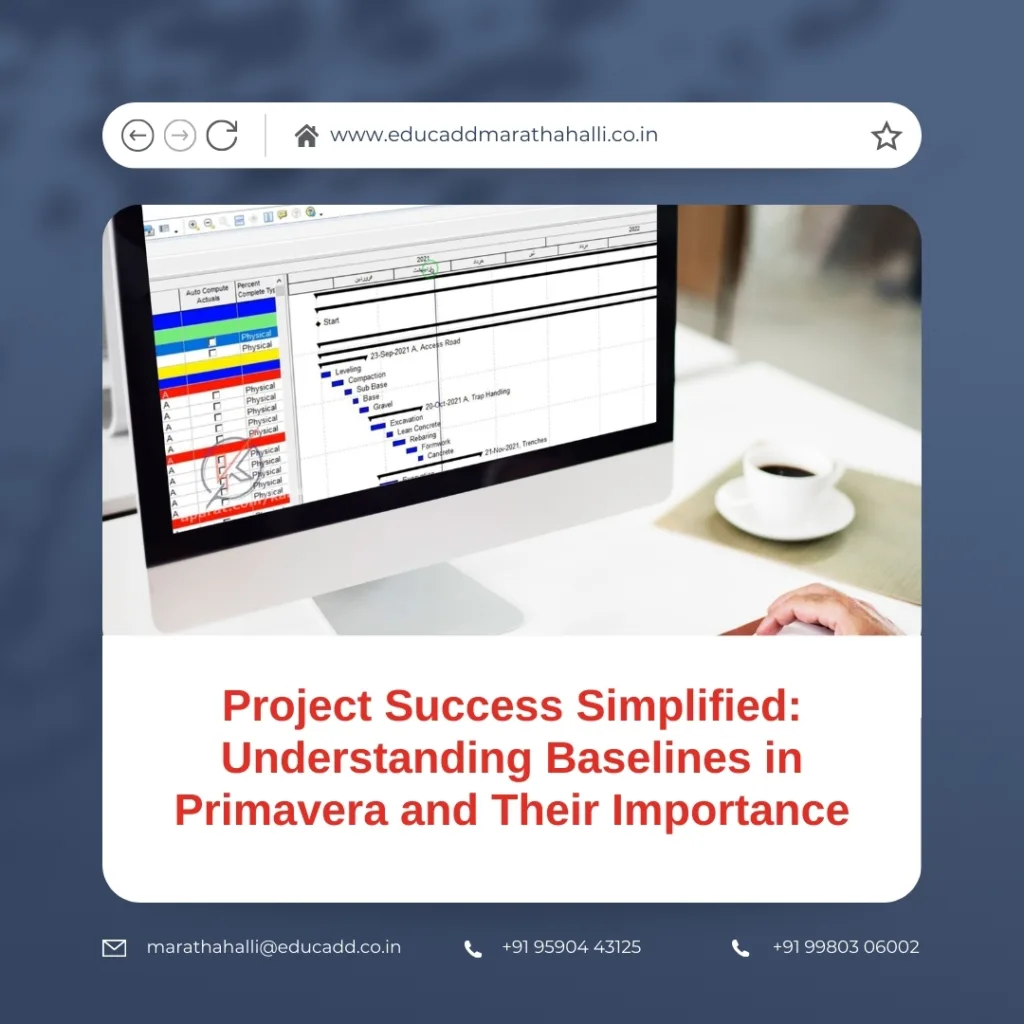
Primavera baseline management
This blog will explain in detail what is a baseline in Primavera and why it matters. You will see how baselines provide structure, improve accountability, and guide managers in making informed decisions. By the end, you’ll realize that baselines are not just a technical feature—they are the backbone of project success.
What Is a Baseline in Primavera?
At its simplest, a baseline in Primavera P6 is a frozen version of your project plan saved at a specific moment. It records planned activities, costs, dates, and durations. Once saved, it remains unchanged, regardless of how your project evolves.
Think of it as saving a “before” picture. As your project progresses, this snapshot allows you to compare your current reality with what was originally planned. Without this point of reference, project performance becomes guesswork.
Primavera P6 supports multiple baselines, which means you can save one at project approval, another after scope modifications, and others at critical review milestones. This flexibility makes it easier to track changes over time.
In short, a baseline is not just a schedule freeze. It is a control tool that defines what “success” looks like before execution begins.
Why Do Baselines Matter in Project Management?
Understanding what is a baseline in Primavera and why it matters becomes clearer when you look at its role in project control. Projects rarely unfold exactly as planned. Unexpected delays, cost escalations, or resource shortages can easily shift timelines.
Here is where the baseline proves its value. By comparing your live schedule with the baseline, you can identify slippages and overruns early. For instance:
-
If the baseline planned completion for a task was 8 days but actual progress takes 12, you can measure the 4-day delay.
-
If baseline costs were $100,000 but actuals reach $125,000, you have clear evidence of a $25,000 overrun.
Primavera P6 uses these comparisons to calculate indicators like Schedule Performance Index (SPI) and Cost Performance Index (CPI). These metrics make it easier for managers to evaluate efficiency and forecast final outcomes.
The real value of baselines is that they bring clarity and accountability. They allow managers to stop guessing and start acting on facts.
Key Benefits of Using Baselines in Primavera
When you ask, what is a baseline in Primavera and why it matters, the strongest answer lies in its benefits. These go far beyond just technical reporting. Let’s explore the core advantages:
1. Reliable Progress Measurement
A baseline makes performance tracking straightforward. Managers can instantly compare current progress with the original plan, identifying delays or accelerations in real time.
2. Better Forecasting Abilities
By analyzing how actuals deviate from the baseline, project managers can forecast future outcomes more accurately. Early warnings of delays allow proactive adjustments before major setbacks occur.
3. Stronger Communication with Stakeholders
Clients and sponsors demand evidence, not vague updates. Baseline reports provide objective proof of progress and performance, building trust and confidence.
4. Risk Detection and Mitigation
Gaps between baseline and actual performance usually signal risks. Identifying them early helps managers act quickly—whether by adding resources, shifting deadlines, or adjusting budgets.
5. Accountability Across Teams
Baselines make expectations clear to everyone. Team members know that progress will be compared against a fixed plan, which fosters discipline and responsibility.
Collectively, these benefits highlight exactly why baselines matter in Primavera—they transform planning into measurable, actionable insights.
How to Create and Apply Baselines in Primavera
Learning what is a baseline in Primavera and why it matters is incomplete without knowing how to use it in practice. Primavera P6 makes the process systematic and effective.
Step 1: Prepare Your Schedule
Ensure your schedule is realistic and well-defined. Check dependencies, durations, and resource allocations before creating a baseline.
Step 2: Save the Baseline
Once ready, save the current version as a baseline. Primavera allows multiple baselines for different phases or revisions.
Step 3: Assign the Baseline
Select one as the “primary baseline” for comparisons. This ensures all variance reports use the correct benchmark.
Step 4: Update Project Data
As the project moves forward, regularly enter actual progress. Primavera will automatically highlight differences against your baseline.
Step 5: Analyze Performance
Review schedule and cost variances. Look for tasks slipping behind or exceeding budget. These insights show where corrective action is required.
Step 6: Implement Adjustments
Use baseline variance data to adjust resources, shift timelines, or revise priorities. Timely interventions can bring the project back on track.
Following these steps ensures your baseline becomes a living management tool, not just a static file.
Best Practices for Managing Baselines Effectively
Creating a baseline is only half the story. To fully benefit from it, you need best practices that maximize its value. Here’s how seasoned managers use baselines wisely:
Set Baselines at Important Stages
Capture baselines at key moments like project approval, scope changes, or milestone achievements. This ensures meaningful comparisons throughout the project lifecycle.
Avoid Excessive Baselines
While multiple baselines are useful, too many can confuse analysis. Stick to major checkpoints rather than saving new baselines for every minor update.
Review Variances Frequently
Don’t wait until the end of the project. Regular variance analysis—weekly or monthly—keeps performance under control.
Educate Your Team
Help your team understand the purpose of baselines. When everyone knows why comparisons matter, they take deadlines and budgets more seriously.
Keep the Original Intact
Never overwrite the very first baseline. It represents the true approved plan and serves as the foundation for accountability.
Share Reports with Stakeholders
Include baseline comparisons in project presentations. Transparent reporting strengthens trust with clients and executives.
With these practices, a baseline becomes more than a record—it becomes a strategic instrument for success.
Conclusion: Why Baselines Define the Path to Success
Now that you’ve explored what is a baseline in Primavera and why it matters, you can see why it plays such a vital role in Primavera baseline management. A baseline is not just a frozen schedule; it is the reference framework that defines success.
By comparing planned outcomes with actual results, baselines provide managers with the clarity to spot delays, the foresight to predict risks, and the evidence to communicate progress. They empower teams to stay accountable and give stakeholders the confidence that projects are being managed professionally.
Without Primavera baseline management, project execution becomes a guessing game. With baselines, managers gain control, direction, and the ability to deliver results as promised. Whether you’re handling a construction project, IT rollout, or infrastructure upgrade, baselines ensure that planning transforms into measurable achievement.
So the next time you hear the question—what is a baseline in Primavera and why it matters—you’ll know the answer. It matters because it gives structure to ambition, clarity to execution, and confidence to stakeholders.

