
Navigating Construction Precision with Autodesk Navisworks for Clash Detection & BIM Review
Modern construction projects are complex. Multiple disciplines, tight schedules, and detailed designs make coordination essential. Even minor errors in design can escalate costs and delay delivery. Navisworks Clash Detection BIM offers a solution for professionals who want to reduce errors and streamline project execution. Learning Autodesk Navisworks for clash detection and BIM review empowers teams to detect problems early, review models comprehensively, and enhance collaboration across disciplines.
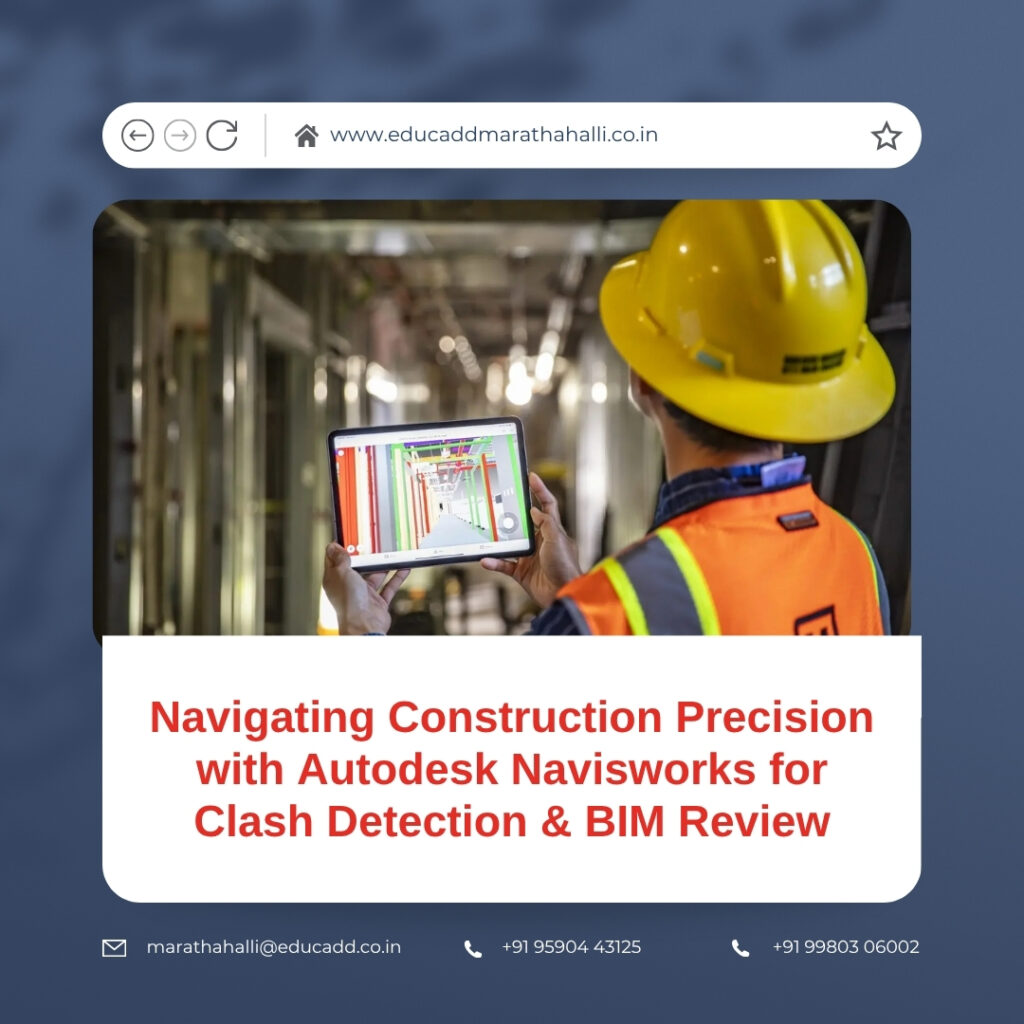
Navisworks Clash Detection BIM
In this blog, we explore the importance of Navisworks, its clash detection capabilities, Navisworks Clash Detection BIM review functionalities, practical learning strategies, and the career benefits of mastering this powerful software.
The Importance of Autodesk Navisworks in Today’s Projects
The construction industry relies heavily on precise coordination. Traditional 2D drawings often miss conflicts between systems. Clash detection in 3D models has become a necessity. Autodesk Navisworks integrates multiple model formats into a single platform, providing a complete project view.
Using Navisworks, professionals can:
-
Detect potential clashes early.
-
Improve team collaboration.
-
Minimize delays and avoid costly mistakes.
Learning Autodesk Navisworks equips you with skills that are in high demand. Companies seek engineers, architects, and project managers who can manage BIM workflows effectively. This knowledge allows you to handle complex models, coordinate multidisciplinary teams, and deliver projects on time.
How Clash Detection Transforms Project Accuracy
Clash detection is a core function of Autodesk Navisworks. A clash occurs when two or more components occupy the same physical space in a model. For example, an HVAC duct may intersect a structural beam, which can cause problems during construction. Detecting these clashes before construction prevents delays and reduces costs.
Navisworks simplifies clash detection with automated tools. Users can:
-
Run clash tests between architectural, structural, and MEP models.
-
Customize clash rules for specific project needs.
-
Generate detailed reports for project stakeholders.
By resolving clashes early, teams can maintain project timelines and improve accuracy. Learning Navisworks for clash detection allows professionals to take a proactive approach, ensuring designs are buildable and conflicts are minimized.
Streamlining BIM Review with Autodesk Navisworks
BIM review in Navisworks goes beyond clash detection. It enables project teams to explore and validate the entire model in a collaborative environment. Key features include:
-
3D model navigation for immersive visualization.
-
Time simulation (4D) to analyze construction sequences.
-
Quantification tools for cost and material analysis.
-
Issue tracking and marking for efficient coordination.
BIM review ensures that stakeholders understand the design intent, verify accuracy, and plan construction activities effectively. Learning Autodesk Navisworks helps you manage these reviews confidently, improving communication and decision-making across the project lifecycle.
Effective Strategies to Learn Autodesk Navisworks
Acquiring proficiency in Navisworks requires a structured approach. Here are practical steps to help you get started:
1. Gain a Strong Foundation in BIM
Before using Navisworks, understand BIM concepts. Learn how models are created, managed, and shared. A solid understanding of BIM principles ensures smooth navigation in Navisworks.
2. Familiarize Yourself with the Software Interface
Navisworks has an intuitive interface, but familiarity is key. Learn navigation tools, view controls, and model manipulation options to work efficiently.
3. Practice Clash Detection Regularly
Start with simple projects. Run clash tests, experiment with different rules, and generate reports. Hands-on practice builds confidence and expertise.
4. Conduct BIM Reviews Collaboratively
Simulate real-world reviews. Invite team members to inspect models, share issues, and coordinate corrections. This helps in mastering real project scenarios.
5. Enroll in Professional Courses
Training programs offer guided learning with industry-relevant examples. They cover advanced features, workflow optimization, and real-life case studies.
6. Stay Updated on Industry Trends
Navisworks evolves continuously. Follow updates, explore forums, and study new features. Keeping up-to-date ensures your skills remain relevant.
Following these strategies ensures that you not only learn the software but also develop practical skills that enhance your professional value.
Career Advantages of Mastering Autodesk Navisworks
Professionals skilled in Navisworks gain a competitive edge. The software is widely used in architecture, engineering, and construction industries. Mastery of Navisworks offers:
-
Increased job opportunities in BIM coordination and project management.
-
Higher potential for career advancement.
-
Skills to handle large-scale and complex projects.
-
Strong ability to manage interdisciplinary teams and workflows.
By learning Autodesk Navisworks for clash detection and BIM review, you position yourself as a valuable asset to employers and increase your career potential significantly.
Conclusion
Construction projects are becoming increasingly digital and complex. Navisworks Clash Detection BIM provides essential tools for clash detection and BIM review, enabling professionals to detect conflicts early, review designs comprehensively, and coordinate efficiently.
Learning Autodesk Navisworks not only enhances project accuracy but also boosts career prospects in the growing BIM-driven industry. For professionals aiming to deliver smarter, faster, and more precise projects, mastering Navisworks is a strategic investment in your future.

