
Transform Your Interior Designs with AutoCAD and SketchUp
Interior design has transformed dramatically over the past decade. Today’s clients expect precision, efficiency, and a clear visual representation of their dream spaces before a single wall is painted. Traditional sketches no longer meet these expectations. This is why mastering digital tools is crucial. Among the most powerful tools available are Interior Design Software Tools.
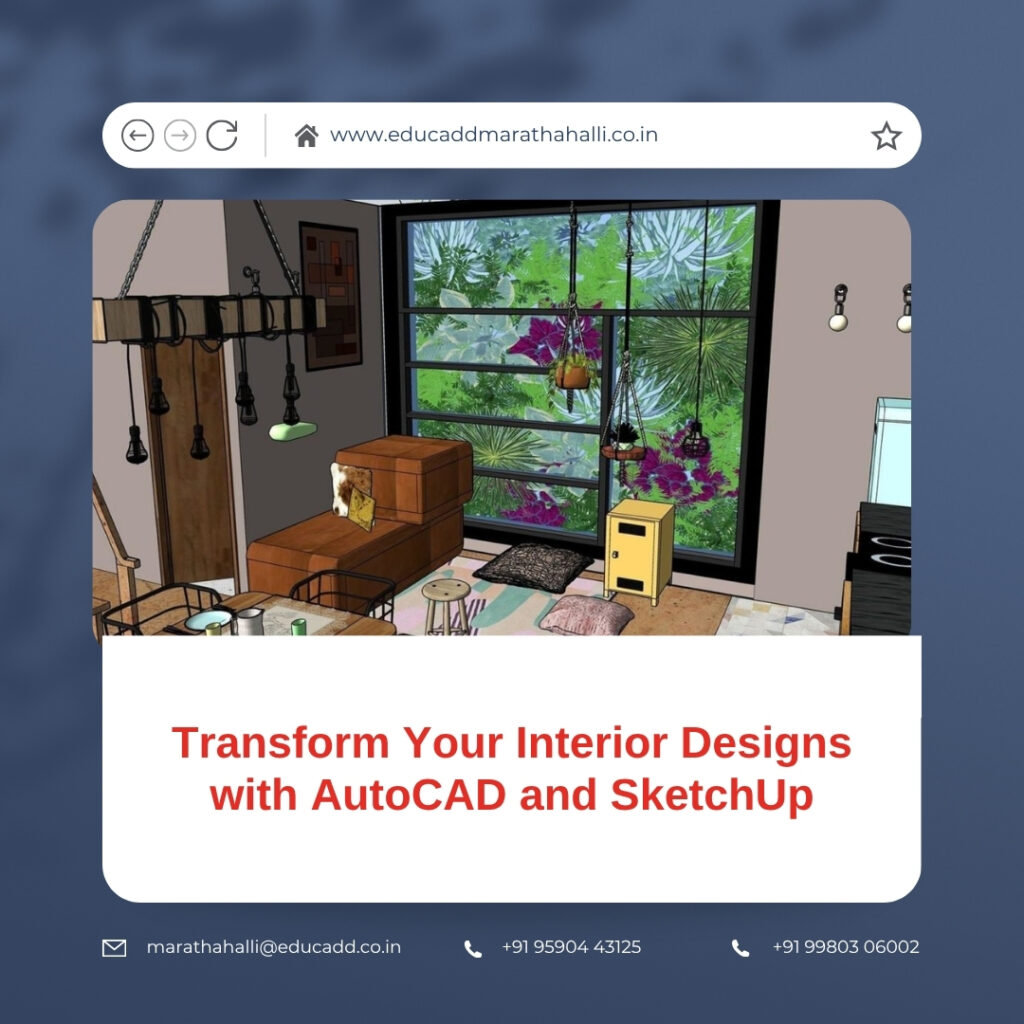
Interior Design Software Tools
Choosing to Interior Design Software Tools equips designers with the ability to create accurate plans and visually stunning 3D models. Whether you are a student, freelancer, or professional, these tools help bring your creative ideas to life while ensuring practicality and efficiency. This blog explores how these software platforms can elevate your interior design projects and why they are essential in the modern design workflow.
Why Digital Tools Are Essential in Interior Design
The interior design industry has shifted from hand-drawn layouts to digital solutions. Clients now demand faster updates, realistic previews, and precise measurements. Using AutoCAD and SketchUp addresses these needs effectively.
-
Precision in Planning: AutoCAD ensures every measurement and layout detail is accurate, reducing errors during implementation.
-
Immersive Visualization: SketchUp allows clients to explore spaces in 3D, enhancing understanding and satisfaction.
-
Faster Project Execution: Digital tools drastically reduce the time required for revisions, material selection, and design trials.
-
Enhanced Client Communication: Clear visual representations help clients make confident decisions.
Incorporating these tools is not just a trend—it is a necessity for delivering professional-quality interior projects.
AutoCAD: Building the Blueprint for Interior Projects
AutoCAD is a cornerstone for interior designers due to its precision and versatility. It allows you to plan every element of a space meticulously.
Benefits of Using AutoCAD for Interiors
-
Accurate Floor Plans: Design precise layouts for residential, commercial, or office spaces.
-
Optimized Layouts: Evaluate multiple design options to maximize space functionality.
-
Technical Drawings: Prepare detailed construction documents for contractors and engineers.
-
Custom Libraries: Save frequently used furniture and fixtures for quicker project execution.
-
Seamless Integration: AutoCAD files can be imported into SketchUp for 3D visualization.
Practical Applications
-
Designing kitchen, bathroom, and living area layouts.
-
Planning ceiling, lighting, and electrical arrangements.
-
Producing furniture specifications and joinery details.
-
Creating detailed interior elevations for client approval.
AutoCAD ensures that your interior designs are technically sound while maintaining creative flexibility.
SketchUp: Bringing Interiors to Life
While AutoCAD focuses on accuracy, SketchUp excels at creating immersive, realistic designs. It allows designers to visually communicate ideas in ways that 2D plans cannot.
Why SketchUp is Ideal for Interior Designers
-
Ease of Use: The intuitive interface allows designers to start building 3D models quickly.
-
Realistic Rendering: With plugins like V-Ray, your interiors can achieve photo-realistic quality.
-
Material Libraries: Experiment with textures, colors, and finishes effortlessly.
-
Interactive Walkthroughs: Clients can virtually explore spaces before construction.
-
Versatility: SketchUp adapts to residential, commercial, and office design needs.
How SketchUp Enhances Interior Projects
-
Experimenting with wall colors, flooring, and finishes.
-
Testing furniture placement and circulation flow.
-
Visualizing lighting effects, both natural and artificial.
-
Producing high-quality presentation boards for clients.
When combined with AutoCAD, SketchUp bridges the gap between technical drawings and creative visualization, offering a complete design solution.
Step-by-Step Path to Learning AutoCAD & SketchUp
Mastering these tools requires a structured learning approach. Here’s a roadmap to get started:
Step 1: Begin with AutoCAD Basics
-
Learn navigation and interface tools.
-
Practice drawing lines, arcs, and shapes.
-
Understand dimensioning and scaling.
-
Create simple floor plans.
Step 2: Advance AutoCAD Skills
-
Explore layers, blocks, and annotations.
-
Develop detailed sections, elevations, and plans.
-
Produce comprehensive construction documents.
Step 3: Learn SketchUp Fundamentals
-
Draw basic 3D shapes and objects.
-
Practice extrusion with push-pull tools.
-
Learn grouping, layering, and component creation.
Step 4: Advance SketchUp Visualization
-
Apply materials, textures, and finishes.
-
Import models from the 3D Warehouse.
-
Experiment with lighting, shadows, and rendering plugins.
Step 5: Apply Skills to Real Projects
-
Design a full room layout in AutoCAD.
-
Export to SketchUp for 3D modeling and visualization.
-
Add furniture, lighting, and materials to create a client-ready presentation.
Following this pathway ensures that designers not only learn the software but also apply it effectively in real-world interior projects.
The Future of Interior Design with AutoCAD and SketchUp
The design industry is rapidly adopting digital workflows. AutoCAD and SketchUp are no longer optional—they are essential tools for professional success.
-
Sustainable Design: Digital tools allow accurate material calculation and minimize waste.
-
Virtual and Augmented Reality: SketchUp models can integrate with VR and AR for immersive client experiences.
-
Remote Collaboration: Cloud integration enables designers to work with clients and contractors worldwide in real-time.
-
Career Advantage: Designers proficient in AutoCAD and SketchUp enjoy better job prospects, higher pay, and a competitive edge.
Investing in these skills ensures your designs remain relevant and impactful in the evolving interior design industry.
Conclusion
Interior design merges creativity with precision. While imagination drives innovation, accuracy ensures functionality. By choosing to Interior Design Software Tools, you gain both. AutoCAD lays the technical foundation, and SketchUp transforms it into visually captivating, client-ready presentations.
Whether you are starting your career or enhancing your skills, mastering these tools opens doors to efficient workflows, satisfied clients, and successful interior design ventures. The future of interior design belongs to those who can blend creativity with digital expertise.

