
Elevating Interiors with SketchUp: From Concept to Immersive Reality
In modern SketchUp Interior Design Visualization is as critical as creativity. Clients now expect to experience their spaces before construction begins, making interior visualization a fundamental part of the design process. SketchUp, as a 3D modeling platform, has emerged as one of the most versatile tools in this realm. Its ability to transform abstract concepts into tangible, immersive experiences allows designers to bridge the gap between imagination and reality. This blog explores the powerful role of SketchUp in interior design, detailing how it enhances visualization, improves workflow efficiency, and facilitates client engagement throughout the design journey.
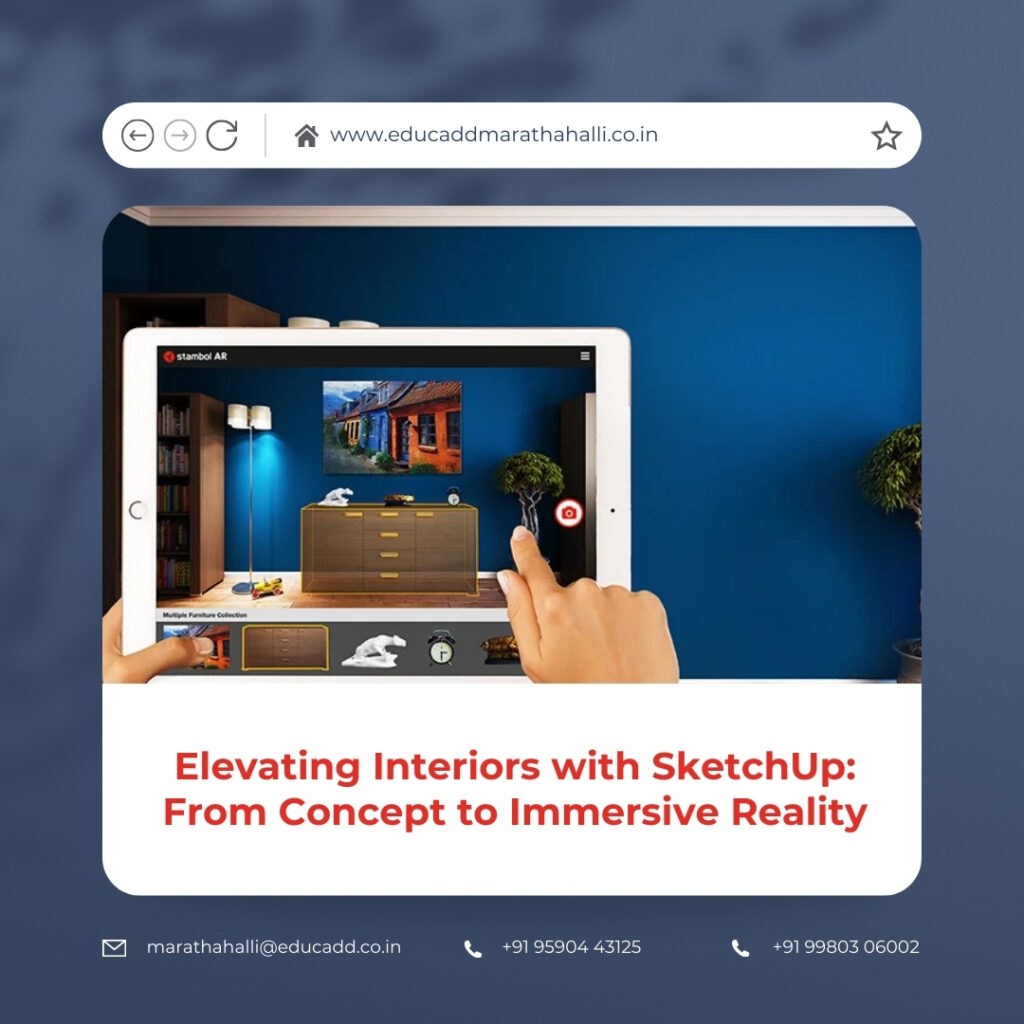
SketchUp Interior Design
Interior designers are no longer limited to sketches or 2D plans. SketchUp enables a dynamic, interactive approach to design where every wall, fixture, and furniture piece can be explored in three dimensions. From initial brainstorming to detailed presentations, SketchUp ensures precision, realism, and flexibility. Understanding its full potential helps designers leverage its tools to produce compelling interiors that resonate with clients and stakeholders alike.
The Power of 3D Visualization in Interior Design
SketchUp Interior Design Visualization is the cornerstone of contemporary interior design. SketchUp allows designers to create highly detailed 3D models that demonstrate spatial relationships, lighting effects, and material finishes. Unlike traditional 2D drawings, 3D visualization offers an intuitive understanding of space and proportion, helping clients and designers make informed decisions.
Using SketchUp, designers can experiment with various layouts, adjust furniture arrangements, and explore multiple aesthetic options. This freedom encourages creativity and promotes a more collaborative design process. Additionally, SketchUp’s real-time navigation tools allow users to orbit, pan, and walk through spaces, providing an immersive perspective that fosters confidence and clarity in design decisions.
Why SketchUp is Indispensable for Interior Designers
SketchUp’s simplicity and versatility make it particularly suited for interior design professionals. The software’s intuitive interface allows designers to produce detailed models without extensive training, while its advanced features enable sophisticated and realistic outputs. This balance makes it ideal for both small design studios and large architectural firms.
Furthermore, SketchUp enhances workflow efficiency by enabling quick modifications. Designers can change dimensions, materials, or layouts seamlessly, which is critical when working under tight deadlines. Its interoperability with other software and rendering engines ensures that models can be easily exported for photorealistic visualization, ensuring that the design intent is communicated accurately to clients and contractors.
Conceptual Design and Space Planning
The initial stages of interior design often involve conceptual sketches and spatial planning. SketchUp excels in this domain by allowing designers to create basic massing models that define room dimensions, circulation paths, and functional zones. These preliminary models provide a framework for decision-making and experimentation.
With SketchUp, multiple layout options can be explored rapidly. Designers can test furniture configurations, traffic flow, and room proportions without the need for physical mock-ups. This iterative process enhances creativity and ensures that the final design is both functional and visually appealing. By laying a solid foundation during concept development, SketchUp streamlines the subsequent stages of detailed modeling.
Detailed Modeling for Precision
After conceptual approval, detailed modeling becomes essential. SketchUp provides tools to construct highly accurate representations of interior spaces, including custom furniture, cabinetry, wall treatments, and lighting fixtures. Designers can model intricate details such as moldings, textures, and joinery, ensuring that every aspect of the space is accurately depicted.
Organizational tools such as layers and tags allow complex models to be managed efficiently. Designers can isolate specific elements, track modifications, and maintain clarity within the project. This level of precision ensures that interior visualization not only impresses clients but also serves as a reliable reference during construction.
Material Application and Finishes
Material selection is critical to achieving the desired aesthetic and functional outcome in interior design. SketchUp allows designers to apply a wide range of materials and textures to surfaces within the model. High-resolution textures can mimic real-world finishes such as marble, wood, fabrics, and metals, giving clients a true sense of the final space.
Adjustable parameters, such as texture scale and orientation, provide added control, ensuring that visual representations are accurate. This capability supports informed decision-making and minimizes discrepancies between the visualization and actual implementation, fostering client confidence in the design process.
Simulating Lighting and Shadows
Lighting is an integral component of interior design, influencing mood, functionality, and aesthetic appeal. SketchUp provides built-in tools to simulate sunlight, shadows, and artificial lighting effects, allowing designers to understand how natural and artificial light interact within a space.
By analyzing light patterns at different times of day, designers can optimize window placements, choose appropriate lighting fixtures, and enhance the overall ambiance. Integration with rendering plugins further enables photorealistic lighting simulations, making SketchUp a comprehensive platform for both design and visualization.
Leveraging Extensions for Advanced Visualization
SketchUp Interior Design library of extensions enhances its capabilities, particularly for interior visualization. Designers can access pre-built furniture libraries, dynamic components, and parametric tools to expedite modeling processes. These extensions save time while providing high-quality outputs.
Rendering and animation extensions such as V-Ray, Enscape, and Lumion transform basic models into visually striking presentations. These integrations allow designers to create photorealistic images, animations, and virtual walkthroughs directly from SketchUp models, elevating the client experience and professional presentation standards.
Photorealistic Rendering Techniques
High-quality rendering is essential for communicating design intent to clients. SketchUp models can be exported to various rendering engines to produce realistic textures, reflections, and lighting effects. Designers can showcase how finishes, furniture, and lighting will appear in the final space.
Photorealistic visuals reduce ambiguity and minimize revisions during construction. They also serve as effective marketing tools, enhancing the portfolio of design firms. By combining precise modeling with rendering capabilities, SketchUp enables interior designers to deliver comprehensive and compelling visual experiences.
Virtual Walkthroughs and Interactive Experiences
Immersive experiences have become increasingly valuable in interior design presentations. SketchUp allows designers to create animated walkthroughs, enabling clients to navigate spaces virtually. This interactive approach provides a tangible sense of scale, proportion, and flow, which static images cannot convey.
Virtual walkthroughs also facilitate early detection of design flaws, improving decision-making and reducing costly modifications during construction. By offering an engaging and realistic preview of the interior space, SketchUp strengthens client engagement and satisfaction.
Collaboration and Integrated Workflows
Interior design projects often involve collaboration with architects, engineers, and contractors. SketchUp supports efficient collaboration through file sharing, import/export functionality, and compatibility with multiple formats. Cloud-based platforms further enhance teamwork by allowing real-time updates, feedback, and coordination.
This collaborative approach ensures that all stakeholders are aligned throughout the project lifecycle. By integrating modeling, visualization, and communication within a single platform, SketchUp streamlines workflows and reduces errors, leading to more efficient project delivery.
Cost Management and Design Accuracy
SketchUp Interior Design Visualization directly impacts cost management in interior design. SketchUp models provide measurable data such as room dimensions, surface areas, and material quantities. Designers can generate precise estimates, reducing the risk of over-ordering or underestimating resources.
By minimizing design changes during the construction phase, SketchUp helps control budgets and ensures project timelines are met. Clients gain confidence in the feasibility and accuracy of the design, making the visualization process both creative and practical.
Educational and Professional Relevance
SketchUp plays a vital role in interior design education, helping students develop spatial awareness, modeling skills, and visualization expertise. It bridges theoretical knowledge with practical application, preparing students for professional practice.
For professionals, SketchUp remains a scalable solution, suitable for freelancers, design studios, and large firms alike. Its adaptability to diverse project types and sizes ensures that it continues to meet evolving industry demands, making it an essential tool in both learning and professional contexts.
Emerging Trends and Future Potential
The future of interior visualization emphasizes realism, interactivity, and integration with emerging technologies. SketchUp is adapting to these trends with enhanced rendering capabilities, cloud collaboration, and compatibility with virtual and augmented reality platforms.
By incorporating VR and AR, designers can offer immersive experiences that redefine client interaction and engagement. SketchUp’s evolving capabilities position it as a forward-looking tool, ready to meet the challenges and opportunities of future interior design visualization.
Conclusion
SketchUp Interior Design Visualization by offering a seamless blend of creativity, precision, and interactivity. From concept development to detailed modeling and photorealistic rendering, it empowers designers to communicate their vision effectively and efficiently.
By leveraging SketchUp’s tools, extensions, and rendering capabilities, interior designers can create immersive, realistic, and practical visualizations. These models not only inspire clients but also streamline workflows, improve collaboration, and ensure project accuracy. As visualization continues to shape client expectations, mastering SketchUp remains an indispensable skill for interior design professionals seeking to elevate their craft and deliver exceptional spaces.

