
From Concept to Control Room: Advanced PLC Panel & Control Circuit Design Using AutoCAD Electrical
This is where PLC Panel Design AutoCAD Electrical plays a transformative role. AutoCAD Electrical offers a purpose-built environment for electrical control engineers. It replaces manual drafting with intelligent, data-driven design. Engineers can create accurate schematics, manage components efficiently, and generate documentation automatically. This blog explores how professional PLC panel and control circuit design is achieved using AutoCAD Electrical, from foundational concepts to advanced industry practices.
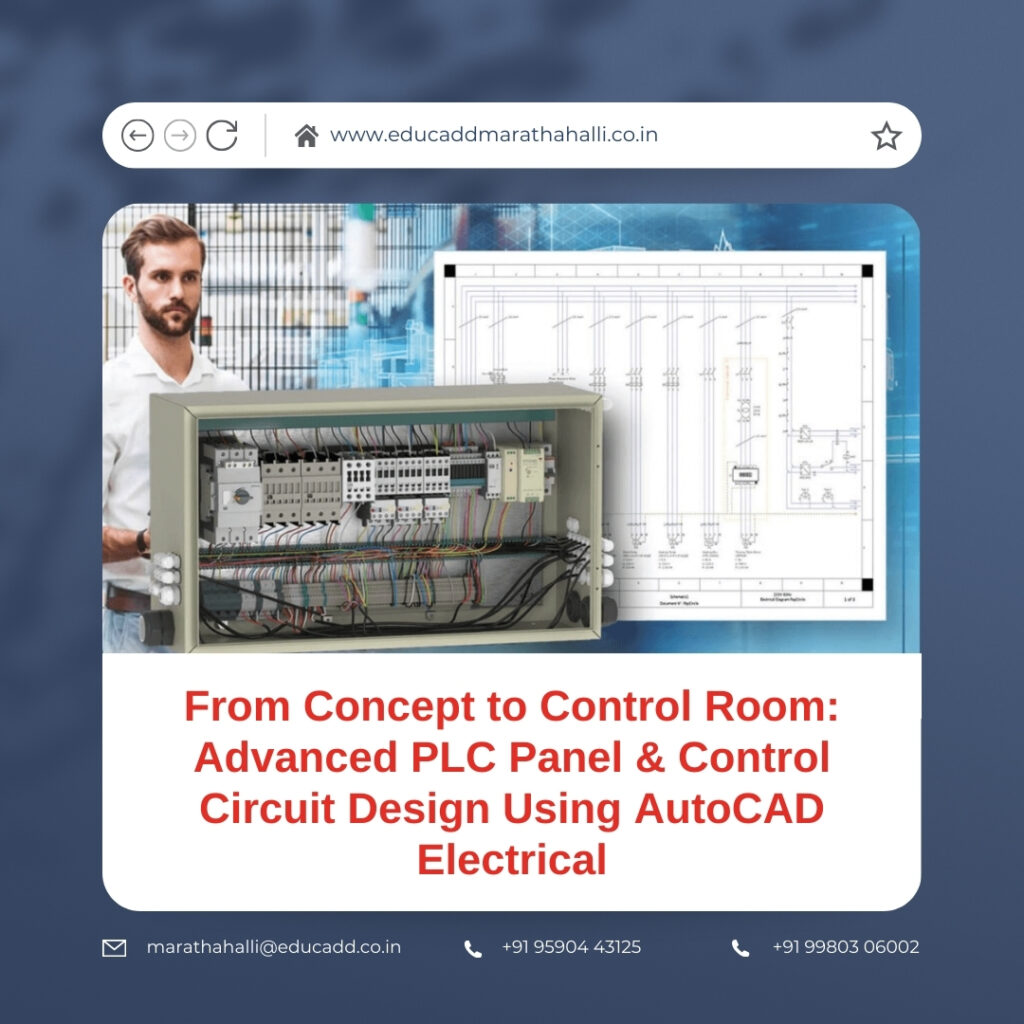
PLC Panel Design AutoCAD
Industrial automation depends on systems that operate with precision, reliability, and intelligence. At the core of these systems lies the PLC panel and its control circuits. These elements govern how machines communicate, react, and perform under varying conditions. A well-designed PLC panel ensures seamless operation, while a poorly designed one can cause frequent breakdowns and safety risks. As automation projects become more complex, design tools must evolve accordingly.
1. The Strategic Importance of PLC Panels in Industrial Control Systems
PLC panels act as the operational command centers of automated facilities. They contain programmable logic controllers, power distribution devices, communication modules, and safety components. Every signal that enters or exits a machine passes through the PLC panel. Therefore, its design directly impacts system stability and performance.
A thoughtfully engineered PLC panel improves operational efficiency and simplifies maintenance. It ensures organized wiring, adequate cooling, and clear identification of components. Engineers must anticipate future expansion and maintenance needs during the design stage. PLC Panel & Control Circuit Design in AutoCAD Electrical supports this foresight by allowing scalable and standardized designs that grow with industrial demands.
2. Core Principles of Control Circuit Design for Automation
Control circuits define how electrical logic operates within a system. They control machine states such as start, stop, emergency shutdown, and fault indication. A control circuit must respond accurately and consistently under all operating conditions.
Good control circuit design emphasizes simplicity and clarity. Circuits should be easy to trace and understand. Designers must ensure proper voltage levels, current ratings, and signal isolation. When engineers use PLC Panel & Control Circuit Design in AutoCAD Electrical, they gain access to standardized symbols and logical structuring. This consistency reduces misinterpretation and speeds up troubleshooting.
3. Why AutoCAD Electrical Is Essential for Professional PLC Design
AutoCAD Electrical is engineered specifically for electrical control design. Unlike conventional CAD tools, it understands electrical relationships. Wires, components, and terminals behave as intelligent objects rather than static drawings.
This intelligence enables automatic wire numbering, component tagging, and real-time error checking. Designers no longer need to update references manually. In PLC Panel & Control Circuit Design in AutoCAD Electrical, this automation drastically reduces drafting time while improving accuracy. It allows engineers to focus on engineering logic rather than repetitive tasks.
4. Project Setup and Standards Configuration for Consistent Design
Every professional design begins with proper project configuration. AutoCAD Electrical uses a project-based structure that organizes drawings, settings, and reports under one framework. This structure promotes consistency across large automation projects.
Designers select industry standards such as IEC or JIC during setup. They define wire numbering rules, component tagging formats, and drawing templates. This early configuration ensures uniformity throughout the project. For PLC Panel & Control Circuit Design in AutoCAD Electrical, a strong setup phase prevents costly revisions later.
5. PLC I/O Planning and Schematic Development
PLC input and output planning forms the foundation of control logic. Inputs receive signals from sensors, switches, and transmitters. Outputs control actuators such as motors and valves. Accurate I/O mapping ensures correct machine behavior.
AutoCAD Electrical provides PLC-specific tools that simplify I/O schematic creation. Engineers can select PLC manufacturers and models directly from libraries. The software automatically assigns addresses and creates terminal connections. This capability makes PLC Panel & Control Circuit Design in AutoCAD Electrical faster and more reliable, especially for large systems.
6. Power Circuit Design and Electrical Protection Strategy
Power circuits supply energy to control and field devices. These circuits must be designed with safety and efficiency in mind. Overcurrent protection, proper grounding, and isolation are critical considerations.
Designers must calculate load requirements and select appropriate protective devices. AutoCAD Electrical helps visualize power distribution clearly. It allows engineers to separate power and control circuits logically. In PLC Panel & Control Circuit Design in AutoCAD Electrical, this clarity enhances safety and compliance.
7. Designing Robust Safety and Emergency Control Circuits
Safety circuits are non-negotiable in industrial environments. They protect operators, equipment, and processes. Emergency stop circuits, safety relays, and interlocks must function reliably under fault conditions.
These circuits often require redundancy and fail-safe logic. Designers must adhere to international safety standards. AutoCAD Electrical enables clear identification and documentation of safety circuits. Through PLC Panel & Control Circuit Design in AutoCAD Electrical, engineers ensure safety requirements are met without ambiguity.
8. Panel Layout Design and Physical Arrangement Planning
Beyond schematics, physical panel layout plays a crucial role. Components must be positioned for accessibility, heat dissipation, and efficient wiring. Poor layout design leads to overcrowding and maintenance difficulties.
AutoCAD Electrical integrates with standard AutoCAD tools to create accurate panel layouts. Designers can visualize enclosure space and mounting arrangements. For PLC Panel & Control Circuit Design in AutoCAD Electrical, this integration ensures that the physical panel matches the schematic design perfectly.
9. Intelligent Wiring, Numbering, and Cross-Referencing
Manual wiring documentation often leads to inconsistencies. AutoCAD Electrical automates wire numbering based on defined rules. Each wire receives a unique identifier, making tracing easier.
Cross-referencing links components across multiple drawings. Engineers can navigate between related circuits instantly. This feature is invaluable during commissioning and maintenance. In PLC Panel & Control Circuit Design in AutoCAD Electrical, intelligent wiring improves accuracy and saves significant time.
10. Automatic Report Generation and Documentation Excellence
Accurate documentation supports installation, operation, and maintenance. AutoCAD Electrical generates reports directly from design data. These include bills of materials, wire lists, and terminal plans.
Because reports link dynamically to drawings, updates occur automatically. This reduces documentation errors and rework. PLC Panel & Control Circuit Design in AutoCAD Electrical transforms documentation from a manual burden into a strategic advantage.
11. Managing Revisions and Design Modifications Efficiently
Automation projects evolve constantly. Changes in process requirements or equipment specifications are common. Without proper revision control, these changes can cause confusion.
AutoCAD Electrical tracks design changes within the project. Revision markers and updated reports reflect modifications clearly. This transparency maintains design integrity. In PLC Panel & Control Circuit Design in AutoCAD Electrical, revision control ensures accountability and clarity.
12. Enhancing Team Collaboration and Data Consistency
PLC projects involve multidisciplinary teams. Electrical designers, PLC programmers, and commissioning engineers must work together seamlessly. Data consistency is crucial for smooth execution.
AutoCAD Electrical maintains synchronized tags and addresses across drawings. This consistency supports collaboration and reduces programming errors. Effective teamwork strengthens PLC Panel & Control Circuit Design in AutoCAD Electrical outcomes and shortens project timelines.
13. Avoiding Common Design Pitfalls in PLC Panels
Common mistakes include unclear labeling, poor wire routing, and overcrowded enclosures. These issues increase downtime and maintenance costs. Many errors originate from manual drafting limitations.
AutoCAD Electrical minimizes these risks through automated checks and standardized workflows. It alerts designers to duplicate tags and missing connections. With PLC Panel & Control Circuit Design in AutoCAD Electrical, quality control becomes proactive rather than reactive.
14. Industry Applications and the Future of PLC Design
PLC panels support diverse industries, including manufacturing, oil and gas, water treatment, and renewable energy. As automation advances, systems demand greater intelligence and connectivity.
Future PLC designs will integrate digital twins and smart diagnostics. AutoCAD Electrical continues to evolve to support these trends. The future of PLC Panel & Control Circuit Design in AutoCAD Electrical lies in smarter, data-driven engineering practices.
Conclusion
PLC panels and control circuits define the reliability of industrial automation. Precision in design leads to operational excellence. AutoCAD Electrical empowers engineers to achieve this precision consistently.
Through intelligent schematics, automated documentation, and structured workflows, PLC Panel Design AutoCAD Electrical elevates engineering standards. It reduces errors, enhances safety, and improves collaboration. As industries embrace smarter automation, mastering this design approach becomes a critical professional advantage.

