
Building Smarter Projects with Primavera P6: An Introduction to Effective Scheduling
Project scheduling is at the heart of every successful venture. Without a structured plan, teams struggle to meet deadlines, allocate resources, or control costs. This is where Primavera P6 comes into play. Developed by Oracle, Primavera P6 is a powerful project management software that simplifies scheduling, improves collaboration, and enhances decision-making.
Unlike basic tools, Primavera P6 is built for large-scale and complex projects. Industries such as construction, oil and gas, aerospace, manufacturing, and IT rely on it to manage thousands of activities with accuracy. Its real strength lies in balancing timelines, resources, and budgets while keeping stakeholders aligned.
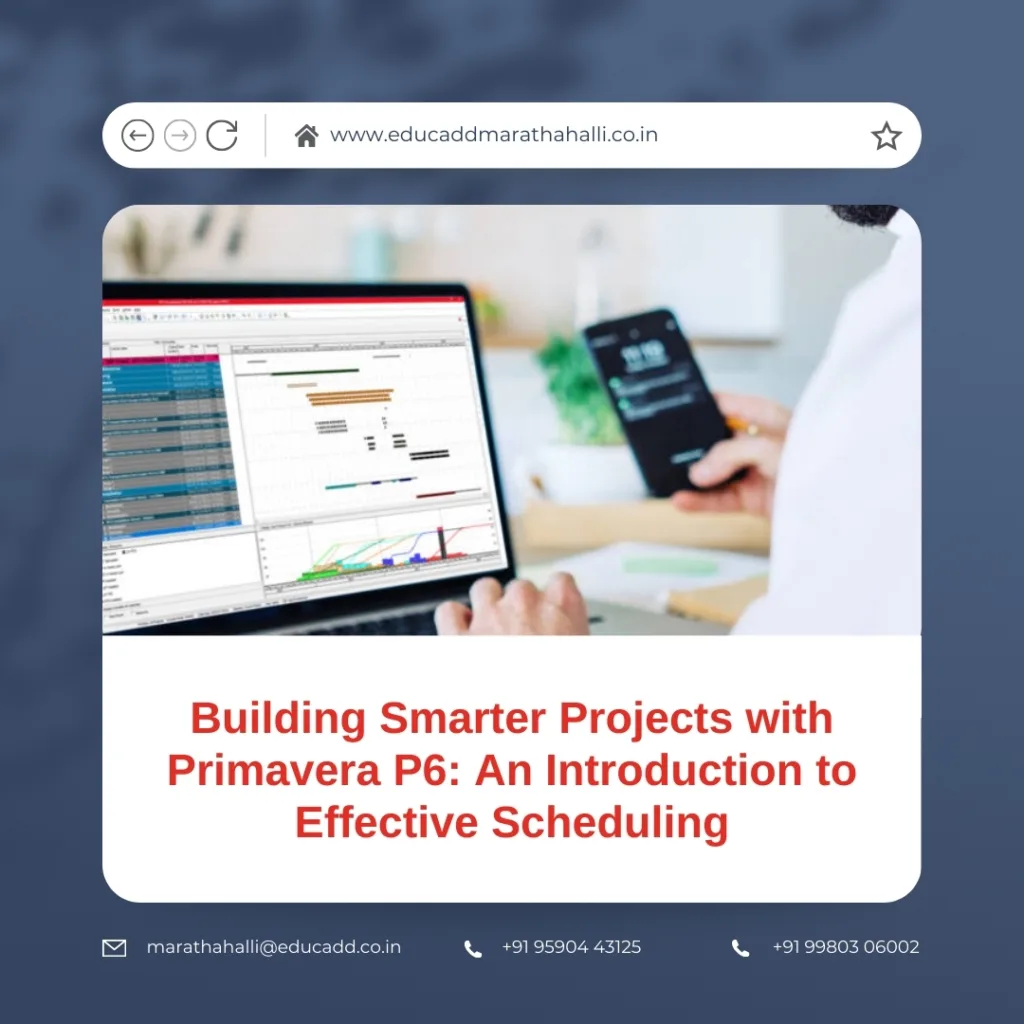
Primavera P6 Project Scheduling
When professionals learn Primavera P6, they gain a skill that is in demand worldwide. Organizations value project managers who can handle massive projects with confidence, and Primavera P6 makes this possible.
Key Features of Primavera P6 You Should Know
Primavera P6 is more than just a scheduling tool. It offers a range of features designed to make project management efficient and transparent.
1. Comprehensive Scheduling
Primavera P6 allows you to create detailed project schedules with activities, milestones, and dependencies. You can visualize every step, adjust timelines, and track progress in real time. This level of control helps prevent costly delays.
2. Resource Management
With Primavera P6, project managers can assign resources such as labor, equipment, and materials. The software highlights underutilization or overload, ensuring balanced workloads across teams.
3. Risk Analysis
Projects often face uncertainties. Primavera P6 provides tools to analyze risks, predict outcomes, and develop mitigation strategies. This proactive approach saves time and reduces financial risks.
4. Multi-Project Handling
One unique strength of Primavera P6 is its ability to manage multiple projects simultaneously. Managers can view interdependencies, resource conflicts, and shared risks across projects.
5. Reporting and Dashboards
Decision-making improves when data is clear. Primavera P6 offers customizable dashboards and reports, giving managers insights into performance metrics. These reports can be shared with clients, stakeholders, and team members instantly.
Benefits of Learning Primavera P6 for Professionals
Professionals who invest time in learning Primavera P6 unlock many advantages in their career and day-to-day work.
Better Career Opportunities
Primavera P6 skills are in high demand across industries. Employers seek professionals who can deliver projects on time and within budget. Certifications in Primavera P6 can make resumes stand out in competitive job markets.
Improved Efficiency
With Primavera P6, managers and engineers spend less time struggling with manual tracking. Automated scheduling, forecasting, and reporting increase efficiency, freeing up time for strategic decisions.
Cost Savings for Companies
Accurate scheduling means fewer delays and reduced rework. When companies avoid cost overruns, they increase profitability. Professionals skilled in Primavera P6 contribute directly to these savings.
Enhanced Collaboration
Primavera P6 provides a central platform where teams, clients, and stakeholders can share updates. This reduces miscommunication and keeps everyone aligned toward project goals.
How Primavera P6 Transforms Project Scheduling
Primavera P6 has changed the way organizations approach project scheduling. Its robust capabilities give managers tools to plan realistically, monitor continuously, and adapt quickly.
From Planning to Execution
Scheduling in Primavera P6 begins with breaking down projects into manageable tasks. Dependencies are mapped, durations are estimated, and resources are assigned. Once the schedule is created, Primavera P6 tracks progress at every stage.
Critical Path Method (CPM)
Primavera P6 uses CPM to identify the longest sequence of dependent tasks. This ensures managers know which tasks cannot be delayed without affecting the entire project. With this visibility, they prioritize activities that matter most.
Scenario Planning
One powerful feature is scenario planning. Managers can simulate changes, such as resource shortages or deadline shifts, and assess impacts before making decisions. This minimizes risks and keeps projects flexible.
Real-Time Tracking
Instead of relying on outdated spreadsheets, Primavera P6 updates schedules instantly. Progress is recorded as activities are completed, giving managers accurate insights into project health.
Steps to Get Started with Primavera P6
Learning Primavera P6 may seem challenging at first, but a structured approach makes it easier. Here are steps beginners should follow:
Step 1: Understand the Basics
Start by learning the fundamentals of project scheduling. Understand terms like WBS (Work Breakdown Structure), dependencies, milestones, and critical path. These basics are essential before diving into the software.
Step 2: Install and Explore the Interface
Primavera P6 has a user-friendly interface, but beginners should explore menus, dashboards, and layout options to get comfortable.
Step 3: Create a Simple Project
Practice by creating a small project. Add activities, assign durations, and link dependencies. This exercise builds confidence in navigating the platform.
Step 4: Assign Resources
Once the schedule is set, assign resources to each activity. Monitor how Primavera P6 balances workload and highlights issues.
Step 5: Monitor and Update Progress
Enter updates as the project moves forward. Compare planned versus actual progress, and generate reports for better visibility.
Step 6: Advance with Training and Certification
For deeper knowledge, professionals can enroll in Primavera P6 training programs. Certifications add credibility and enhance career opportunities.
The Future of Project Scheduling with Primavera P6
As projects become more complex, demand for advanced scheduling tools will only increase. Primavera P6 continues to evolve with cloud integration, better analytics, and collaboration features. Organizations will rely on it to manage global projects, reduce risks, and achieve efficiency.
Professionals who learn Primavera P6 today prepare themselves for the future of project management. The software not only enhances technical skills but also builds strategic thinking. With its global adoption, Primavera P6 expertise ensures long-term career growth.
Conclusion
Primavera P6 is more than a scheduling tool—it is a complete project management solution. It empowers managers to plan accurately, allocate resources effectively, monitor progress in real time, and deliver results without delays.
For professionals, learning Primavera P6 means gaining a competitive edge in industries that demand precision and efficiency. For organizations, it means achieving project success consistently.
If you are looking to build a career in project management or lead complex projects, Primavera P6 is a skill worth mastering. Start small, practice consistently, and soon you will see how this tool transforms the way you approach scheduling.

