
Transform Your Designs: Learn to Create Floor Plans with Color Coding
Floor plans are more than just architectural drawings—they are the blueprint of a functional and visually appealing space. Using colors effectively can make these plans easier to understand and more engaging. When you learn to create floor plans with color coding, you gain the ability to communicate ideas instantly. Whether you are designing for clients, collaborating with architects, or presenting concepts, color coding elevates your design work. This guide will take you through practical strategies, tools, and techniques to create clear, professional, and visually striking floor plans.
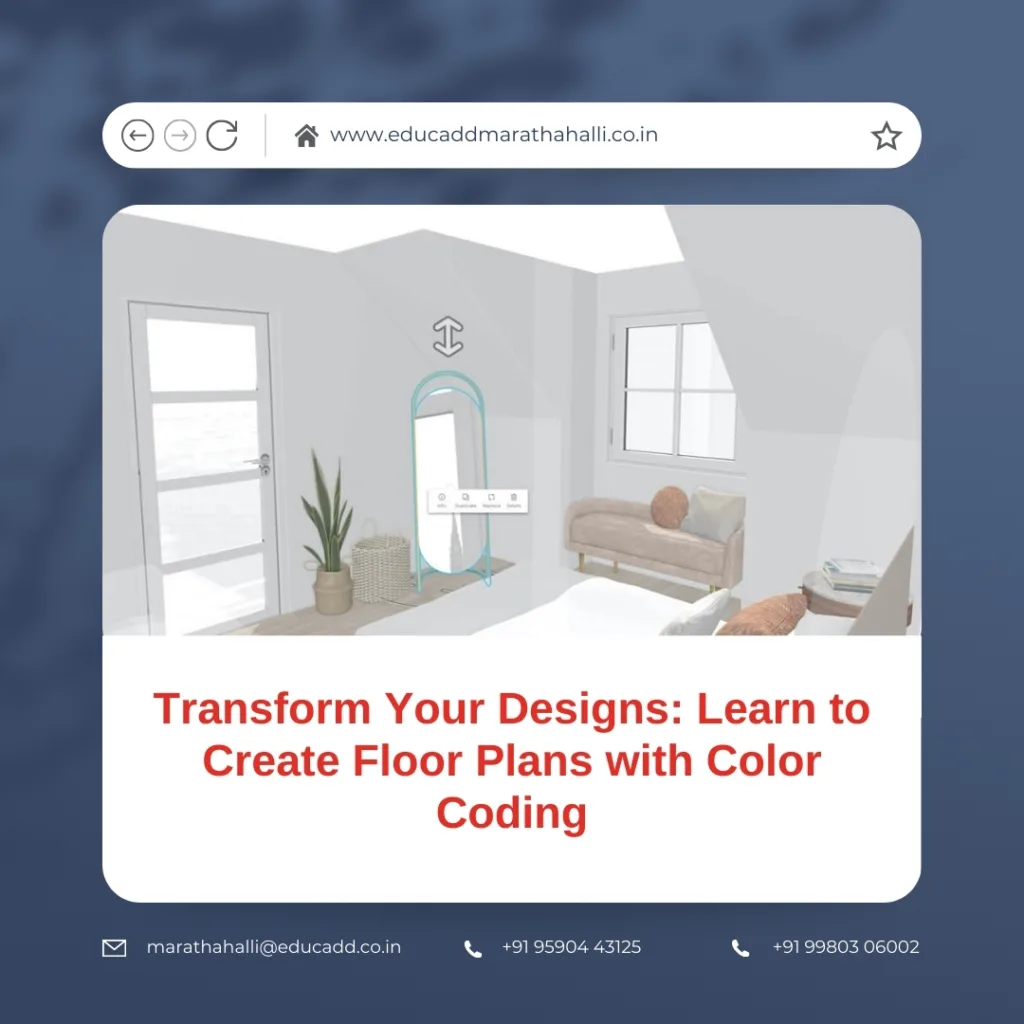
Floor Plans Color Coding
The Power of Color Coding in Floor Plans
Color coding goes beyond decoration; it enhances clarity and comprehension. By assigning specific colors to rooms, utilities, or pathways, you make complex layouts easy to read.
For example, bedrooms can have calming tones, kitchens can feature vibrant shades, and living spaces can use neutral colors. This approach immediately informs viewers about the purpose of each area. Furthermore, color coding minimizes mistakes during construction or renovation. Teams can quickly recognize zones, avoiding misunderstandings and delays.
Another advantage is client engagement. Black-and-white plans often feel dull and difficult to interpret. In contrast, color-coded designs are intuitive and inviting. They provide instant visual cues, helping clients understand the layout at a glance. By choosing the right colors, you can highlight essential areas, create a sense of flow, and improve overall readability.
Essential Tools for Color-Coded Floor Plans
Selecting the right tools makes creating floor plans easier and more precise. Software like AutoCAD, Revit, SketchUp, and RoomSketcher provide professional-grade solutions.
-
AutoCAD offers precise measurements and detailed line work.
-
Revit supports 3D modeling and interactive plans.
-
SketchUp is beginner-friendly and allows quick visualization.
-
RoomSketcher provides drag-and-drop simplicity for fast design.
Alongside software, consider using color palette tools such as Adobe Color or Coolors. They help you choose harmonious colors that are both functional and visually appealing. Warm tones can represent high-activity areas, while cool shades indicate relaxing spaces. Using these tools, anyone can learn to create floor plans with color coding that are professional, accurate, and aesthetically pleasing.
Step-by-Step Process to Color Your Floor Plans
-
Identify Functional Areas: Divide your layout into zones like bedrooms, living rooms, kitchens, bathrooms, and hallways.
-
Select a Cohesive Color Palette: Stick to 5-7 colors to maintain clarity and prevent visual clutter.
-
Assign Colors Strategically: Bright tones for activity areas, muted colors for resting zones, and neutral shades for corridors or storage.
-
Include a Legend: Always explain your color choices with a clear legend.
-
Test Visibility: Check digital and printed versions to ensure colors remain distinct and readable.
-
Review and Share: Share your plan with clients or team members. Clear color-coded plans improve communication and accelerate decision-making.
Following this step-by-step method ensures that your designs are clear, professional, and client-ready. Learning to create floor plans with color coding turns technical drawings into intuitive, visually appealing guides.
Avoiding Common Pitfalls
Even experienced designers can make mistakes when color coding. Avoid these common errors:
-
Too Many Colors: Overuse can overwhelm viewers. Stick to a limited palette.
-
Ignoring Color Accessibility: Ensure sufficient contrast and use patterns for colorblind viewers.
-
Inconsistent Application: Use the same color consistently across projects.
-
Overlooking Print Quality: Colors can differ between digital and print formats. Always test both.
-
Missing Legends: A legend is critical to explain what each color represents.
Being aware of these pitfalls ensures your floor plans remain readable, accurate, and professional. Proper application allows anyone to learn to create floor plans with color coding efficiently and effectively.
Pro Tips to Enhance Your Floor Plans
-
Use Gradients and Shading: Subtle gradients can indicate elevation or furniture height.
-
Combine Symbols and Colors: Icons for windows, doors, or utilities enhance clarity.
-
Transparency Layers: Overlay colors to show multiple elements without confusion.
-
Consistency Across Projects: Keep a standard color palette for all plans.
-
Update Plans Regularly: Reflect any layout changes in your color scheme to maintain accuracy.
By applying these tips, you can create floor plans that are not only functional but visually appealing. This skill enhances communication, impresses clients, and simplifies project collaboration.
Conclusion:
Color coding transforms ordinary floor plans into visually intuitive guides. It improves readability, reduces mistakes, and enhances client engagement. By mastering the tools, following step-by-step methods, avoiding common mistakes, and applying practical tips, you can learn to create floor plans with color coding that stand out.
Whether you are a student, architect, or interior designer, this skill improves design clarity and presentation. Start experimenting with colors today and see your floor plans come alive, offering both clarity and aesthetic appeal.

