
Design in Motion: Learn SketchUp for Interior Projects with Smart Visualization Tools
Interior design has evolved from hand-drawn sketches and mood boards into immersive 3D experiences. Today, clients don’t just want a layout—they want to feel the space before a single wall is built. If you’re aiming to meet those expectations, it’s time to learn SketchUp Interior Design Projects.
SketchUp is more than just a 3D modeling tool—it’s your creative engine. It lets you test ideas, explore layouts, visualize lighting, and impress clients with stunning renderings. Whether you’re a student, an aspiring interior designer, or a seasoned architect, SketchUp brings your interiors to life like no other tool.
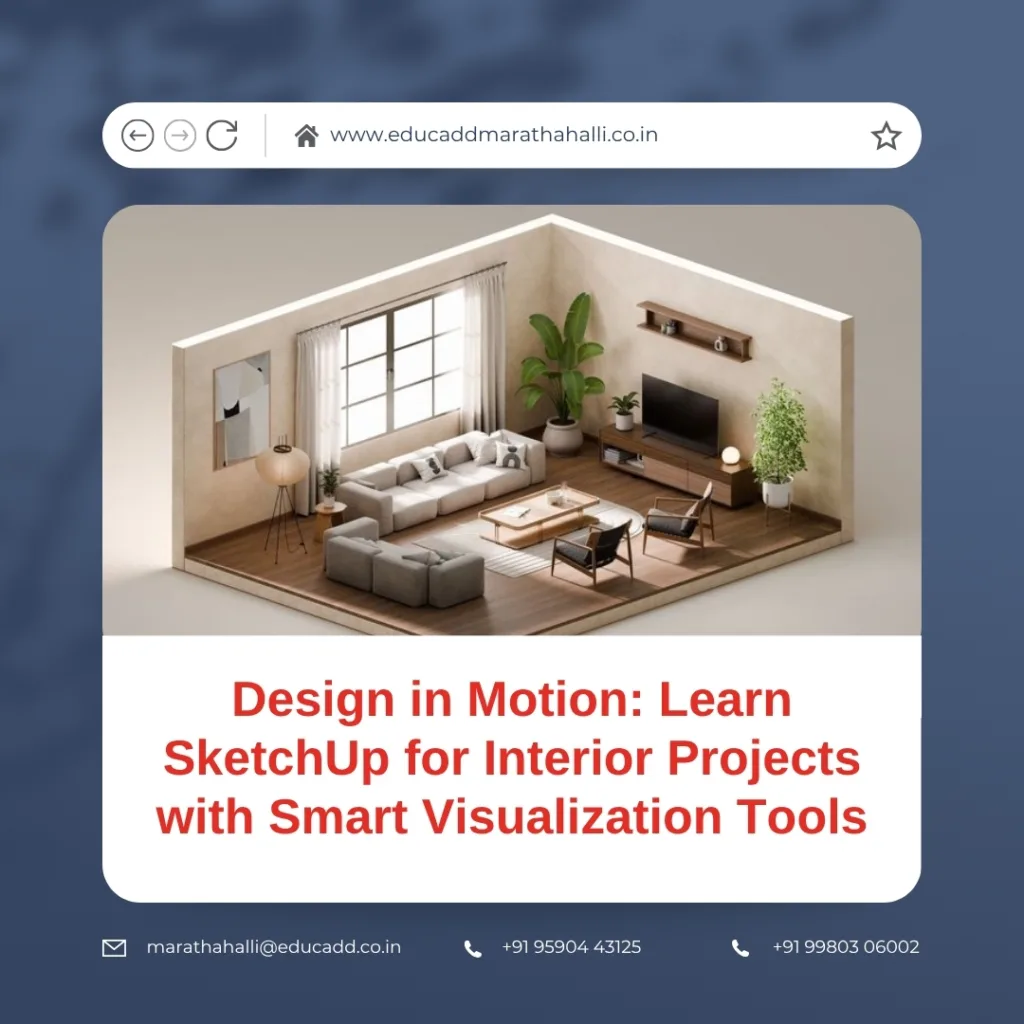
SketchUp Interior Design Projects
In this blog, you’ll explore how SketchUp can transform the way you design interiors. From intuitive tools to visualization techniques, you’ll learn how to model, render, and present professional interior design projects with ease.
1. The Power of SketchUp in Interior Design
Before you dive into tools and techniques, it’s important to understand why SketchUp matters for interior professionals. While there are plenty of 3D design tools out there, few are as flexible and beginner-friendly.
a. Intuitive Learning Curve
SketchUp is designed to feel natural. You draw shapes, push and pull surfaces, and build in 3D without needing a steep technical background. This lets designers focus on creativity rather than software complexity.
b. Seamless Workflow
From rough sketches to polished presentations, SketchUp covers every stage. You can brainstorm ideas, model furniture, organize layers, and even export construction documents—all in one ecosystem.
c. Tailored for Interiors
Unlike traditional CAD tools focused on architectural structure, SketchUp’s component library and visualization features are tailored for furniture, textures, lighting, and decor. It’s perfect for home interiors, offices, showrooms, or even cafes.
d. Real-Time Client Engagement
SketchUp’s ability to showcase live 3D views lets clients visualize their future space. It reduces misunderstandings, speeds up approvals, and boosts client confidence in your design.
Thus, choosing to learn SketchUp for interior projects is not just a smart career move—it’s a way to supercharge your creative process.
2. SketchUp Tools That Interior Designers Must Master
The beauty of SketchUp lies in its tools. You don’t need to learn hundreds of commands. Instead, focus on mastering these essential features that serve interior design best.
a. Push-Pull Tool
Arguably SketchUp’s most iconic feature, this tool helps you extrude surfaces into 3D volumes. Walls, counters, cabinets—everything starts with a push and pull.
b. Groups and Components
Always group related elements like walls or furniture. Better still, create reusable components. For example, a dining chair used six times stays editable and uniform across your project.
c. 3D Warehouse
The 3D Warehouse is your secret design arsenal. It holds millions of user-submitted furniture, lighting, and decor models that save hours of work. Download, drop, and style—it’s that simple.
d. Materials & Textures
Apply realistic finishes using SketchUp’s built-in textures or your own. Wood grains, marble, tiles, and paint help give depth to your model. You can even adjust the scale and opacity for photorealism.
e. Shadows and Sunlight
Use the Shadow Settings panel to simulate real-time lighting. Set geographic location and time of day to see how sunlight enters your space. This is especially useful for window placement and energy efficiency.
f. Tags and Layers
Organize your interiors with tags—walls, furniture, lighting, accessories—so you can hide or isolate them during design reviews or presentations.
g. Camera & Walkthrough Tools
Create perspectives that mimic human eye-level or bird’s-eye views. You can animate walkthroughs to showcase transitions between rooms in a realistic path.
Every time you use these tools, your speed and accuracy improve. That’s why it’s crucial to explore them deeply when you learn SketchUp for interior projects.
3. Full Interior Project Workflow in SketchUp: A Room-by-Room Breakdown
To make your learning experience practical, let’s walk through an interior design project inside SketchUp—a modern 2BHK flat.
a. Entryway and Living Room
Start by importing your floor plan or drawing it using the Line and Rectangle tools. Use the Push-Pull tool to create walls, then carve out doorways and windows. Next, bring in a couch, a TV console, a coffee table, and lamps from the 3D Warehouse.
Apply wood flooring and wall colors. Use lighting plugins or simulate ceiling lights to get soft shadows and highlights. Don’t forget to decorate with a rug or wall art for visual richness.
b. Kitchen and Dining
Model the modular kitchen using base cabinets, wall-mounted shelves, and appliances. Apply glossy tile textures for walls and matte laminate for cabinets. Include a dining table with chairs nearby, and experiment with pendant lighting.
c. Bedrooms
Here’s your chance to personalize. Add beds with customized headboards, nightstands, and wardrobes. Use fabric textures for bedsheets and pillows. Try different light setups—spotlights, floor lamps, or even ambient strip lighting.
d. Bathroom
Import sanitary fixtures like bathtubs, wash basins, and faucets. Choose tiling patterns for floors and walls. Reflective materials can help simulate mirrors or glass partitions.
e. Balcony/Outdoor Spaces
Add potted plants, a swing, or a seating nook. Change the background environment to sky or garden scenes using style settings or rendering plugins.
Throughout this process, visualization tools help breathe life into your design. Render snapshots at every stage to build a design evolution timeline for clients.
4. Visualization Techniques That Bring Your Interiors to Life
Interior design thrives on emotional connection. People need to “feel” the room. With SketchUp’s ecosystem of plugins and features, you can create immersive, impactful visuals.
a. V-Ray Plugin
Used by professionals worldwide, V-Ray delivers photo-realistic renders. You can control light bounces, reflections, material finishes, and soft shadows. It’s perfect for final presentations.
b. Enscape Integration
Enscape turns your SketchUp model into a real-time walkthrough. Want to walk your client from the living room to the kitchen? Enscape does that—instantly. It also supports VR headsets for next-level experiences.
c. SketchUp Styles and Style Builder
Not every presentation needs realism. Use hand-drawn, sketchy, or watercolor styles for early concepts. These styles help communicate ideas without appearing final or rigid.
d. Lumion and Twinmotion
For large interior projects like villas or hotels, try Lumion or Twinmotion. These rendering tools offer cinematic animations, natural environments, and interactive elements like rain, wind, and foliage.
e. Layout for Documentation
SketchUp Layout is crucial for interior professionals. It lets you create professional-grade 2D drawings, exploded views, floor plans, and dimensioned blueprints. Everything you model in 3D can be translated into technical documents for contractors.
Learning how to use these tools helps you visualize interiors like never before—and impress stakeholders at every level.
5. Learning Strategy: How to Master SketchUp for Interior Projects
Knowing what to learn is one thing. Knowing how to learn is what makes a difference. Here’s a roadmap to help you master SketchUp for interiors in just a few months.
a. Break It Down by Rooms
Don’t attempt full homes right away. Start with a bedroom or a small office space. Focus on basic geometry, lighting, and furniture placement. Gradually expand to larger spaces.
b. Practice Daily Challenges
Try 30-day modeling challenges. For example, “Design a chair today,” “Build a bookshelf tomorrow,” or “Model a kitchen in one hour.” These keep you consistent and curious.
c. Follow Industry Tutorials
Watch video series by pros. Channels like The SketchUp Essentials, SketchUp School, and Daniel Tal offer structured tutorials. Follow along by recreating their projects.
d. Learn One Plugin at a Time
SketchUp plugins are powerful, but overwhelming if used all at once. Begin with rendering (like V-Ray), then move to lighting (Enscape), followed by document tools (Layout), and finally try animation or automation tools.
e. Join Interior Design Communities
Become part of online groups. Sites like SketchUcation, Reddit r/SketchUp, and LinkedIn groups are goldmines of ideas, critiques, and free resources. Posting your work for feedback accelerates growth.
f. Save and Version Your Projects
Always save progress versions—V1, V2, V3. This lets you go back, analyze what worked, and iterate faster. It’s also helpful when clients request last-minute changes.
If you’re consistent and patient, your decision to learn SketchUp for interior projects will reward you with confidence, clarity, and creative freedom.
Conclusion: Transform Interior Spaces with SketchUp
Interior design is no longer confined to mood boards and guesswork. Today, clients want immersive design experiences. And SketchUp delivers just that—efficiently, powerfully, and beautifully.
From quick concept sketches to detailed renders, SketchUp Interior Design Projects. With visualization tools like V-Ray, Enscape, and Layout, you can turn your designs into living, breathing spaces that inspire and impress.
If you’re serious about delivering top-tier design, it’s time to learn SketchUp for interior projects. Whether you’re an aspiring designer or a business owner aiming to boost your presentation game—SketchUp is the tool to master.

