
Engineering Motion Intelligence: Mastering Real-Time Motion Studies in SolidWorks Simulation
In modern engineering, designing a product is no longer limited to creating accurate 3D geometry. Today, engineers must predict how assemblies behave under real operating conditions before any physical prototype is manufactured. This shift has made motion analysis an essential part of digital product development. When teams SolidWorks Real-Time Motion Simulation, they gain the ability to observe, measure, and refine mechanical performance within a virtual environment.
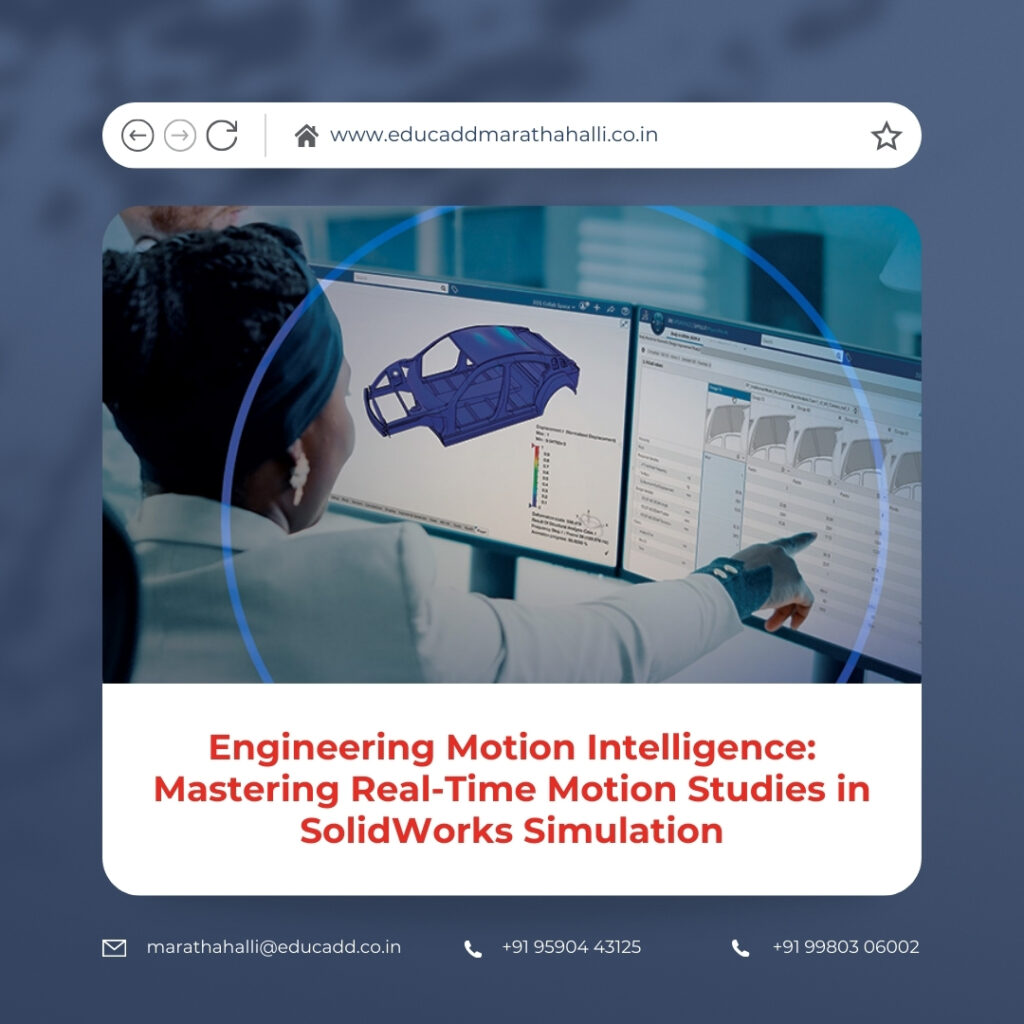
SolidWorks Real-Time Motion Simulation
Real-time motion analysis transforms static assemblies into dynamic systems. Instead of imagining how components interact, engineers can visualize rotation, translation, force transmission, and acceleration in real time. As a result, design decisions become data-driven rather than assumption-based. Moreover, motion studies reduce development costs, shorten project timelines, and increase product reliability. In this comprehensive guide, you will explore every stage of creating, analyzing, and optimizing motion studies while maintaining accuracy, efficiency, and clarity throughout the design process.
1. The Evolution of Motion Analysis in Product Development
Engineering simulation has advanced significantly over the past decades. Initially, designers relied on physical prototypes and manual calculations to validate movement. However, these traditional methods required extensive resources and time. As software capabilities expanded, simulation tools began replacing repetitive physical testing.
Today, when professionals SolidWorks Real-Time Motion Simulation, they operate within an integrated environment that connects modeling, motion analysis, and structural evaluation seamlessly. This integration eliminates the need for multiple disconnected tools. Consequently, engineers can evaluate mechanical behavior within the same platform used for design.
Furthermore, modern motion simulation uses physics-based solvers that calculate forces, inertia, and acceleration continuously. This approach ensures results reflect real-world performance more accurately than simple animation tools. The evolution of motion analysis has therefore transformed product development into a faster, smarter, and more predictive workflow.
2. Understanding Real-Time Motion Studies
Before diving into technical setup, it is important to understand what real-time motion studies truly represent. A motion study simulates how parts move relative to one another over a defined time span. Unlike static analysis, which examines structures under fixed loads, motion studies analyze dynamic interactions.
When engineers create real-time motion studies using SolidWorks Simulation, they define motors, constraints, and external forces. The software then calculates displacement, velocity, acceleration, and reaction forces throughout the timeline. These calculations occur continuously, providing a smooth and accurate representation of mechanical behavior.
In addition, motion studies can identify potential collisions, excessive vibration, or unexpected force spikes. By observing the system in motion, engineers gain deeper insight into performance characteristics that would remain hidden in static models. This proactive evaluation significantly improves design confidence.
3. Preparing Assemblies for Accurate Motion Simulation
A successful motion study begins with a well-prepared assembly. Proper mating conditions ensure realistic mechanical relationships. If mates conflict or overconstrain movement, simulation results may become unreliable.
Start by reviewing all assembly mates carefully. Hinges should allow rotation without translation. Slider joints must enable linear movement only. Cylindrical mates should reflect realistic shaft behavior. Each constraint must replicate real-world mechanical intent.
Next, verify mass properties and material assignments. When teams create real-time motion studies using SolidWorks Simulation, accurate material data ensures correct inertia calculations. Mass distribution directly influences force and acceleration outcomes.
Additionally, eliminate unnecessary components from the study. Suppressing cosmetic parts reduces computational load and improves simulation speed. By preparing assemblies thoroughly, engineers establish a strong foundation for precise motion analysis.
4. Selecting the Appropriate Motion Study Type
SolidWorks offers multiple motion study options, each suited for specific purposes. Choosing the correct type significantly impacts the depth of analysis.
Animation mode focuses on visual movement without detailed physics calculations. Basic Motion introduces simplified physical interactions. Motion Analysis, however, provides the most advanced and accurate results.
When the objective involves measuring forces, torque, or acceleration precisely, Motion Analysis becomes essential. This option allows engineers to SolidWorks Real-Time Motion Simulation with full physics integration.
Selecting the correct study type ensures the simulation aligns with project goals. Engineers must evaluate whether they need visualization only or comprehensive performance validation.
5. Defining Motors and Driving Mechanisms
Motors act as the driving force behind motion studies. Without defined motion input, assemblies remain static.
Engineers can apply rotary motors to simulate shaft rotation, linear motors for sliding components, or servo motors for custom motion profiles. Each motor includes adjustable parameters such as speed, torque, and direction.
Servo motors allow time-dependent control. For example, acceleration can increase gradually before stabilizing at a constant speed. This flexibility helps replicate real operating conditions.
When designers create real-time motion studies using SolidWorks Simulation, carefully defined motor inputs ensure realistic behavior. Accurate motion drivers produce meaningful analysis results rather than exaggerated or unrealistic performance patterns.
6. Applying Forces, Gravity, and Physical Interactions
Realistic motion requires more than motor input. External forces influence mechanical behavior significantly.
Gravity must be applied to represent weight effects. External loads simulate operational stresses. Springs and dampers replicate suspension systems or energy absorption mechanisms.
Contact conditions also play a critical role. When components collide or remain in contact, the simulation calculates reaction forces automatically. This feature proves particularly useful for cam systems, gear trains, and follower mechanisms.
By incorporating these elements, engineers ensure motion studies reflect true physical interactions. This step strengthens the accuracy of real-time motion analysis significantly.
7. Running Simulations and Monitoring Performance
Once setup is complete, the simulation can run across the defined timeline. During execution, the system calculates physical interactions at each incremental step.
Playback allows engineers to observe movement visually. Simultaneously, graphs display displacement, velocity, and acceleration. These real-time updates help identify irregular motion or sudden spikes.
If unexpected behavior appears, parameters can be adjusted immediately. Engineers may modify motor speeds, refine mates, or update contact definitions.
Because teams create real-time motion studies using SolidWorks Simulation within an integrated environment, iterative improvements occur quickly and efficiently. This flexibility accelerates optimization cycles.
8. Interpreting Graphical Data and Analytical Results
Understanding results requires careful analysis of graphical outputs. Displacement graphs reveal positional changes over time. Smooth curves indicate stable motion, while sharp transitions may suggest mechanical inefficiencies.
Velocity graphs highlight speed variations. Sudden increases could cause vibration or wear. Acceleration plots identify potential shock loads that might affect durability.
Force graphs display load distribution across joints. Engineers use this information to refine component geometry or material selection.
Proper interpretation ensures simulation results translate into actionable design improvements rather than abstract data.
9. Integrating Motion Studies with Structural Evaluation
Motion simulation often serves as a precursor to structural analysis. Dynamic forces generated during motion can be transferred into finite element analysis tools.
This integration allows engineers to evaluate stress distribution under real operating conditions. Instead of applying estimated loads, structural simulations receive accurate force data from motion studies.
When teams create real-time motion studies using SolidWorks Simulation and link them to stress analysis, they validate both movement and structural integrity simultaneously. This comprehensive approach increases product reliability and reduces failure risk.
10. Optimizing Designs Through Iterative Testing
Iteration drives engineering excellence. After analyzing motion results, designers frequently adjust parameters.
They may alter gear ratios, reposition pivot points, or modify motor profiles. Following each change, the simulation runs again to compare performance.
This rapid iteration process reduces uncertainty. Engineers can test multiple configurations without manufacturing new prototypes.
As a result, final products achieve smoother operation, improved efficiency, and enhanced durability.
11. Advanced Features for Complex Mechanisms
Sophisticated systems often require advanced motion tools. SolidWorks includes cam followers, gear mates, belt drives, and chain simulations.
These features enable accurate modeling of industrial machinery, robotics, and automation equipment.
Servo motor profiles support custom motion paths for synchronized movement. This capability proves valuable in packaging machines, assembly lines, and robotic arms.
By leveraging advanced tools, engineers can create real-time motion studies using SolidWorks Simulation for highly complex assemblies with confidence and precision.
12. Enhancing Communication Through Motion Visualization
Motion studies also serve as powerful communication tools. While numerical data supports analysis, animated simulations provide intuitive understanding.
Engineers can export motion videos for presentations, marketing materials, or client demonstrations. Stakeholders often grasp functionality more easily through visual representation.
Clear visualization strengthens collaboration among engineering teams and non-technical decision-makers. Therefore, motion simulation contributes not only to design accuracy but also to effective communication.
13. Minimizing Errors Before Production
Design flaws discovered during manufacturing lead to costly delays. Motion studies help eliminate these risks early.
By analyzing assemblies dynamically, engineers detect interference issues, overtravel, or unexpected collisions.
When teams create real-time motion studies using SolidWorks Simulation, they validate functionality before fabrication begins.
Early detection of problems reduces rework, conserves resources, and protects project budgets. Consequently, simulation becomes a strategic investment rather than an optional step.
14. Real-World Applications Across Industries
Motion simulation supports diverse industries. Automotive engineers analyze suspension systems and steering linkages. Industrial designers evaluate conveyor mechanisms and robotic actuators. Consumer product developers test hinges and folding systems. Aerospace teams validate actuator performance and mechanical synchronization.
Across sectors, the ability to predict dynamic behavior enhances innovation. Real-time motion analysis ensures products perform reliably under real conditions.
By mastering motion studies, engineering teams gain a competitive advantage in today’s fast-paced market environment.
Conclusion
Engineering success depends on understanding how systems move and interact under dynamic conditions. When professionals SolidWorks Real-Time Motion Simulation, they move beyond visualization into measurable performance validation.
Motion simulation reduces development costs, improves safety, and accelerates design cycles. It enables engineers to predict outcomes, refine systems, and optimize mechanical efficiency before physical production begins.
As industries continue embracing digital transformation, real-time motion analysis stands as a cornerstone of modern engineering practice. By integrating motion studies into everyday workflows, teams build smarter, safer, and more innovative products with confidence and precision.

