
Transforming Project Insights: Create Dynamic Reports Using Primavera for Management
Project success today depends not just on planning but also on clear reporting. Executives, project managers, and stakeholders demand quick access to accurate information. This is where Primavera reporting capabilities become essential. By learning how to create dynamic reports using Primavera for management, organizations can unlock real-time insights, improve decision-making, and maintain control over complex projects.
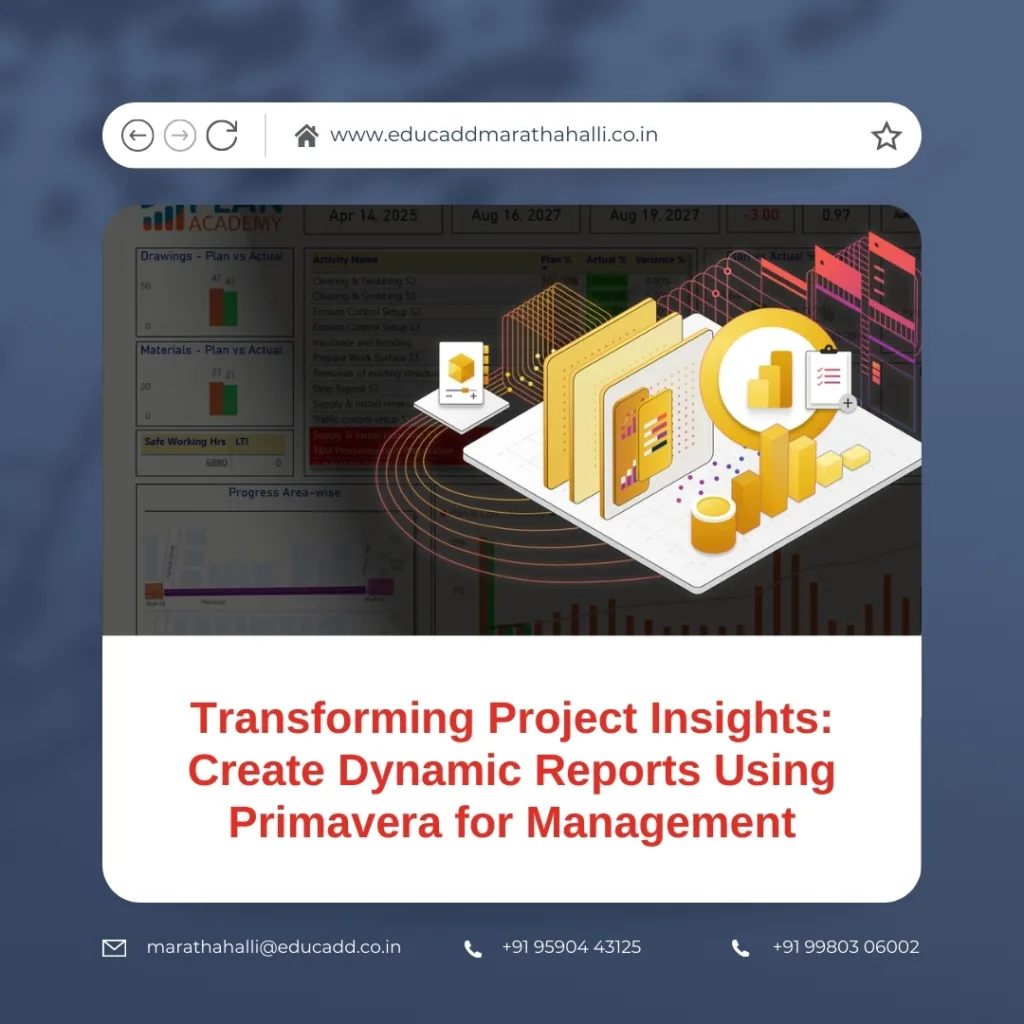
Dynamic Primavera Reports Management
In this blog, we explore how dynamic reporting in Primavera changes the way leaders manage projects. You’ll see how reports improve visibility, how to build them effectively, and how to use them for better performance. Let’s dive in step by step.
1. Why Dynamic Reports in Primavera Matter for Modern Management
The traditional static reports often fall short in today’s fast-paced environment. They show only a snapshot and may be outdated by the time decision-makers see them. Primavera, however, allows professionals to generate dynamic reports. These reports refresh data in real time, helping managers stay in control.
Dynamic reports are more than numbers. They connect project schedules, resources, costs, and risks into a single view. With this, management can track delays, budget deviations, and workload distribution instantly.
In industries like construction, oil and gas, IT, and infrastructure, dynamic reports act as the backbone of project control. For example, a project director can see resource usage across all sites with a single Primavera dashboard. This ability leads to quick actions that prevent costly overruns.
Key benefits include:
-
Real-time updates: Managers no longer wait for manual reporting.
-
Accuracy: Reports draw from live data in Primavera databases.
-
Clarity: Visual dashboards highlight trends and issues fast.
-
Collaboration: Different teams see the same report, reducing confusion.
By making information both dynamic and accessible, Primavera ensures management decisions are always supported by facts, not guesses.
2. Building Effective Dynamic Reports in Primavera
Creating dynamic reports using Primavera for management requires more than clicking a button. To build effective outputs, managers should focus on clarity, relevance, and usability.
Step 1: Define the Purpose
Before building, identify the audience. A senior manager may want high-level overviews, while a project engineer may require detailed task-level data. Aligning reports with user needs ensures relevance.
Step 2: Choose the Right Reporting Tool
Primavera offers several options:
-
Report Wizard for simple formats.
-
BI Publisher for advanced visual reports.
-
Dashboards for real-time monitoring.
Selecting the right tool shapes the report’s impact. For instance, dashboards are best when quick visual analysis is needed.
Step 3: Customize Data Fields
Dynamic reports allow managers to pick key metrics:
-
Earned value analysis
-
Resource allocation
-
Baseline vs. actual progress
-
Risk tracking
By customizing fields, leaders focus only on what matters.
Step 4: Design Visual Elements
Charts, graphs, and conditional formatting improve readability. For example, color-coded bars can show which projects are over budget. This visual approach helps executives who may not want to scan detailed tables.
Step 5: Automate Scheduling
Dynamic reports should refresh without manual effort. Primavera supports automated scheduling, so managers receive updates daily, weekly, or monthly. Automation ensures consistency and saves time.
With these steps, Primavera reports move beyond raw data to deliver actionable insights tailored to management needs.
3. Using Dynamic Reports to Improve Decision-Making
Reports are not just documents. They are decision-making tools. When managers create dynamic reports using Primavera, they gain an edge in strategic thinking.
Tracking Performance
Performance indicators such as cost variance, schedule variance, and resource utilization are updated in real time. A project director can instantly see if a project is behind schedule or consuming resources inefficiently.
Predicting Risks
Dynamic reports highlight trends that static reports miss. If a certain subcontractor consistently delays tasks, the report can reveal the pattern. Managers can then take corrective action before the delay becomes critical.
Aligning Teams
Teams often operate in silos. With Primavera, dynamic reporting creates a shared platform. Everyone sees the same facts. This reduces conflicts and keeps communication clear.
Supporting Stakeholder Communication
Executives and external stakeholders want transparency. A well-designed Primavera report provides easy-to-read visuals. This builds trust and confidence, ensuring stakeholders feel informed at all times.
Example Scenario
Imagine a metro rail project with multiple contractors. Dynamic reports in Primavera highlight that one contractor’s resource usage is exceeding planned levels. Management spots the issue immediately and reallocates tasks. This prevents a delay and saves costs.
Thus, dynamic reports become strategic assets that improve speed, accuracy, and confidence in management decisions.
4. Best Practices for Creating Dynamic Reports Using Primavera
To maximize value, organizations must adopt proven best practices. These ensure reports are accurate, reliable, and effective.
Keep It Simple
Reports overloaded with data become confusing. Focus on the most important metrics that matter to decision-makers.
Use Visual Storytelling
Charts, dashboards, and conditional highlights turn numbers into stories. For example, a Gantt chart combined with risk indicators tells both progress and challenges in one glance.
Standardize Report Formats
Consistency across reports builds familiarity. When every report follows a standard design, management spends less time interpreting layouts.
Train Project Teams
Training ensures everyone understands how to read and create reports. Primavera offers extensive resources that can help project teams adopt reporting features effectively.
Integrate with Other Tools
Dynamic reports become more powerful when linked with ERP systems, financial platforms, or HR tools. Primavera supports such integration, helping management see a 360-degree view of projects.
Monitor Report Accuracy
Since reports are dynamic, it is vital to validate data sources. Errors in input can mislead managers. Regular audits ensure accuracy.
By applying these practices, companies improve both the quality and impact of their Primavera reports.
5. The Future of Dynamic Reporting in Project Management
Technology is evolving rapidly, and Primavera is advancing too. The future of reporting lies in automation, artificial intelligence, and predictive analytics.
Predictive Reporting
AI-driven Primavera integrations can predict project risks before they occur. For example, if data trends show rising costs, the system can forecast future overruns automatically.
Mobile Reporting
Executives increasingly expect access to reports on smartphones and tablets. Primavera is adapting to mobile-friendly dashboards, ensuring leaders stay informed anywhere.
Integration with Big Data
Large organizations run multiple systems. The future will see Primavera reporting linked with IoT devices, cloud systems, and advanced analytics. This will give a holistic view of projects.
Greater Focus on Visualization
As attention spans shorten, management prefers visual data. Future dynamic reports will use 3D models, interactive charts, and real-time simulations.
In short, creating dynamic reports using Primavera for management will become even more powerful as technology evolves. Leaders who adopt these tools today will stay ahead tomorrow.
Conclusion
Dynamic Primavera Reports Management are no longer optional—they are vital for project success. By using Primavera, management gains a complete, real-time view of projects. From tracking costs to predicting risks, dynamic reports transform raw data into actionable intelligence.
When organizations create dynamic reports using Primavera for management, they empower leaders with clarity, speed, and confidence. The future will only expand these possibilities, making Primavera an indispensable part of strategic project control.

