
Unlock the Power of Revit: Crafting Custom Families from Scratch
Revit is no longer just a drafting tool—it is a full-fledged Building Information Modeling platform that empowers architects, engineers, and designers to think, plan, and execute intelligently. At the heart of Revit lies its family system, which determines the efficiency, flexibility, and intelligence of your projects. While many users rely on preloaded Revit Custom Families Guide, true expertise comes when you learn to create custom components from scratch. Custom Revit Families allow for precise control, superior parametric behavior, and tailored functionality that aligns perfectly with project requirements. In addition, creating your own families helps reduce errors, improve collaboration, and streamline the entire design process. This comprehensive guide walks you through the step-by-step journey of designing Revit Families from scratch, offering insights, tips, and best practices to empower your BIM workflow.
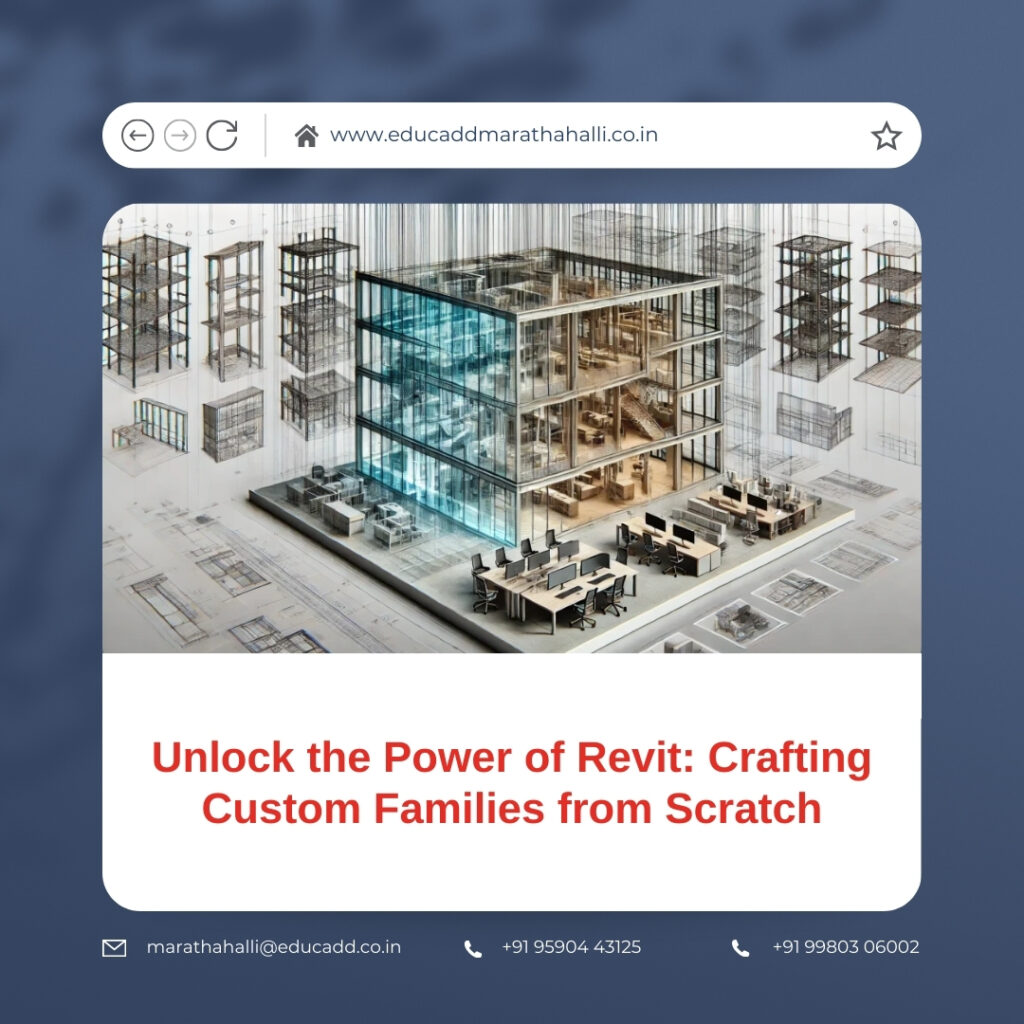
Revit Custom Families Guide
1. Understanding the Core Concept of Revit Families
Before diving into creation, it’s essential to comprehend what Revit Custom Families Guide actually are. A Revit Family is more than just a 3D model; it is a smart object that combines geometry, behavior, and data. Unlike simple CAD blocks, Revit Families adapt dynamically to constraints, parameters, and environmental factors. They include everything from walls, doors, and windows to lighting fixtures, furniture, and complex MEP components. These intelligent elements are central to schedules, quantity take-offs, and construction documentation. When used effectively, they not only improve model accuracy but also make collaboration across multidisciplinary teams seamless. The more you understand their behavior, the more control you gain over your projects.
2. Exploring the Different Types of Families
Revit Families are broadly categorized into three types: System Families, Loadable Families, and In-Place Families. System Families, like walls, floors, and roofs, are embedded within the project and cannot be exported or created from scratch. Loadable Families are the most versatile, built within the Family Editor, and designed for reuse across multiple projects. In-Place Families are unique, project-specific elements created within a project file. Each category serves a distinct purpose, and understanding these differences is vital. Choosing the correct type ensures proper behavior, visibility, and scheduling, which in turn makes your BIM model more efficient and maintainable.
3. Planning Your Revit Family Before You Build
Effective family creation begins with meticulous planning. Define the purpose of the family: what it will represent, how it will be used, and which parameters will govern its behavior. Identify critical dimensions, potential visibility requirements, and performance considerations. Visualize how the family will interact with other components in various views and levels of detail. Proper planning minimizes the risk of errors, reduces rework, and ensures that the final family performs optimally across different project scenarios. A clear strategy at the start sets the foundation for building robust and intelligent families.
4. Selecting the Appropriate Family Template
Family templates serve as the structural foundation for every Revit Family. Each template dictates category behavior, hosting requirements, and default parameters. Choosing the right template is crucial; for instance, a Door template includes automatic host associations and relevant parameters, while a Generic Model template provides a neutral starting point. Selecting an incorrect template can create visibility conflicts, scheduling issues, and integration challenges. Take time to analyze project requirements and anticipated family behavior before making this choice. A proper template ensures long-term flexibility and usability.
5. The Importance of Reference Planes in Family Design
Reference planes act as the structural skeleton of Revit Families. They guide geometry, define constraints, and ensure predictable parametric behavior. Instead of directly locking geometry to one another, elements should be anchored to reference planes. This approach enables the family to flex properly when dimensions change. Naming reference planes intuitively improves user understanding and facilitates future edits. By establishing a strong reference plane framework, your families become more robust, editable, and reusable across various project conditions.
6. Applying Dimensions and Constraints for Precision
Dimensions in Revit Families are more than just measurement indicators—they are the control mechanism that dictates family behavior. Constraints and dimensions define relationships between geometry, ensuring predictable results when parameters change. Over-constraining elements can create rigidity and errors, so a balanced approach is critical. Labeled dimensions empower end-users to adjust sizes easily without opening the Family Editor. When applied thoughtfully, constraints and dimensions transform simple geometry into fully parametric, intelligent components that respond seamlessly to design requirements.
7. Creating and Organizing Parameters Effectively
Parameters are the lifeblood of Revit Families. They govern geometry, visibility, materials, and data output. Instance parameters allow individual variation, while type parameters enforce uniformity across all instances. Shared parameters further enhance consistency in schedules, tags, and reporting. Structuring parameters logically and naming them clearly ensures usability and avoids confusion. A well-parameterized family is not just a static model—it is a dynamic, data-driven tool that can adapt to multiple design scenarios, saving time and improving overall project efficiency.
8. Designing Geometry with Efficiency and Performance in Mind
While it may be tempting to create intricate, visually detailed models, performance should always take precedence. Excessive geometry can slow down the project file, cause delays, and increase file size. Using simple solid forms, voids, and symbolic lines can achieve the desired visual outcome while maintaining high performance. Optimized geometry also improves compatibility with other Revit families and ensures smoother collaboration. Efficient design doesn’t sacrifice quality; it enhances usability and model responsiveness across large and complex BIM projects.
9. Controlling Visibility and Detail Levels in Families
Proper visibility control ensures that your family behaves correctly across different views and levels of detail. You can hide or show components in coarse, medium, or fine detail levels, providing clarity in documentation and design reviews. Visibility parameters also support phased designs and alternative representations within the same family. By managing visibility intelligently, you maintain drawing clarity and adaptability, allowing teams to reuse a single family for multiple purposes without redundancy or confusion.
10. Assigning and Managing Materials for Realism
Materials define the visual and data-driven quality of Revit Families. Correct material assignment allows realistic renderings, accurate cost estimation, and reliable quantity take-offs. Rather than hard-coding materials, use material parameters to provide flexibility and adaptability. This approach ensures that families can adjust to different project specifications or aesthetic requirements without requiring additional edits. Properly managed materials elevate both the presentation and functional quality of your Revit models.
11. Testing Families Thoroughly Before Deployment
Testing is a critical step that ensures your Revit Families behave as expected. By flexing parameters to their limits, adjusting dimensions, and reviewing visibility settings, you can identify and correct potential issues. This stage also verifies material assignments, constraints, and hosting behavior. Well-tested families build confidence among users, reduce errors in project execution, and streamline workflows. Testing should never be skipped—it is a safeguard that ensures quality and reliability in BIM modeling.
12. Optimizing Families for Seamless Project Integration
Optimization focuses on keeping families lightweight and efficient. Avoid unnecessary nested components, excessive geometry, or redundant parameters. Use symbolic representations for elements that don’t require detailed modeling in all views. Efficient families reduce project file size, improve navigation, and facilitate faster updates. Optimization also benefits collaboration, especially in cloud-based workflows, where performance can directly impact team productivity. A streamlined, optimized family ensures smooth operation across projects of any scale.
13. Loading, Managing, and Updating Families in Projects
Once a family is complete, careful management ensures long-term usability. Load the family into project files and verify category placement, parameter behavior, and visibility. Adopting a structured naming convention improves clarity for users and simplifies updates. Version control and regular audits prevent conflicts and maintain project consistency. By actively managing families, you ensure that projects remain organized, scalable, and adaptable as design requirements evolve. This step reinforces the value of a well-constructed Revit Family library.
14. Implementing Best Practices for Long-Term Family Library Success
Consistency and documentation define professional-grade Revit Families. Standardized naming conventions, clear parameters, and detailed notes improve usability for all team members. Conduct regular audits to ensure families remain efficient, reliable, and up to date. Solicit feedback from end-users to refine performance and functionality. Following these best practices ensures that your Revit Families continue to provide value across multiple projects, disciplines, and iterations. A well-maintained family library elevates the efficiency and professionalism of your entire BIM workflow.
Conclusion
Mastering the creation of Revit Custom Families Guide from scratch transforms how you approach design, modeling, and project delivery. Instead of relying on generic, prebuilt components, you gain control over geometry, parameters, and data, enabling precise, high-quality, and intelligent modeling. Custom Revit Families reduce errors, enhance collaboration, and streamline project workflows, making you an indispensable asset in the BIM ecosystem. By applying the strategies, tips, and best practices outlined in this guide, you can confidently craft families that are flexible, high-performing, and reusable across a variety of projects, elevating both your professional skills and project outcomes.

