
From Ground to Grade: A Complete Practical Handbook for Site Grading in Civil 3D
Site Grading Civil 3D stands at the core of every civil engineering project. It decides how land will behave under natural forces, how water will move across surfaces, and how structures will remain stable for decades. In today’s design environment, manual grading methods no longer meet project demands. Civil 3D has transformed grading into an intelligent, data-driven process that delivers precision and speed.
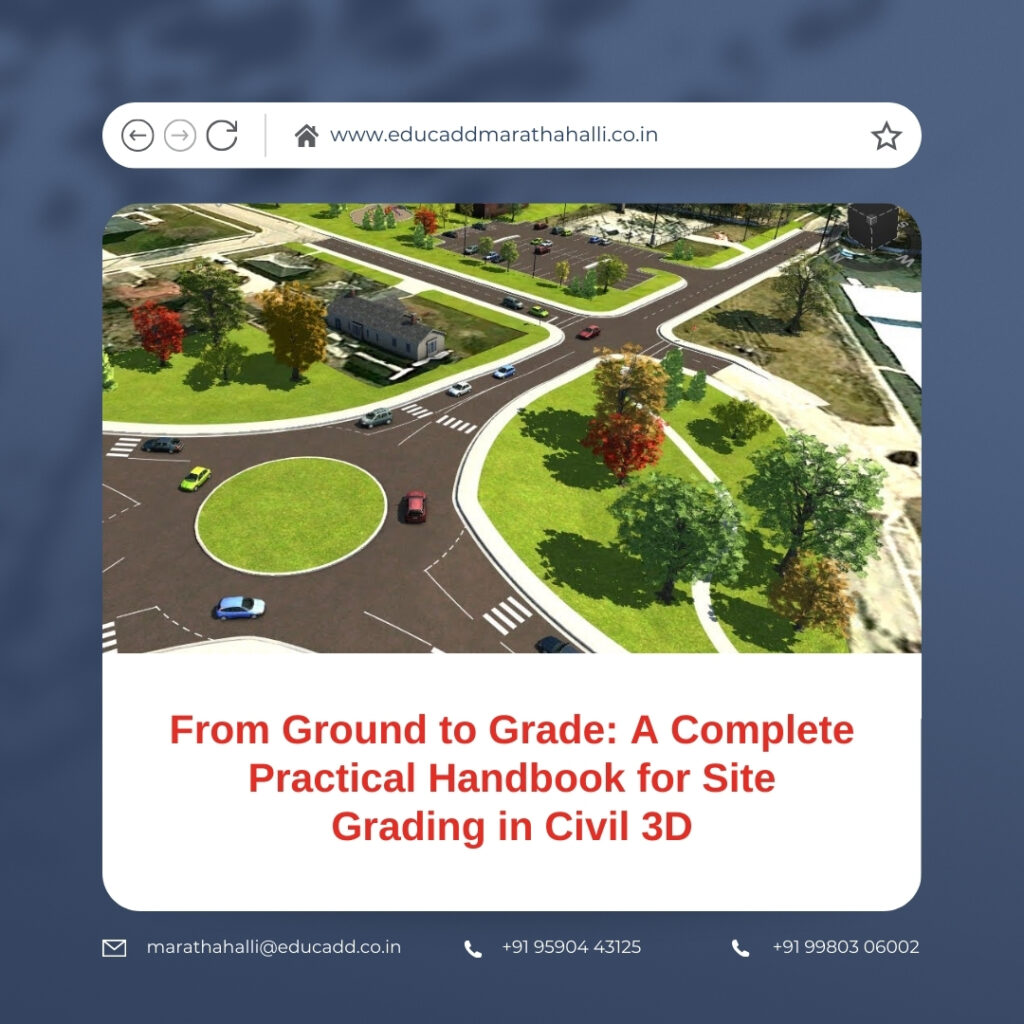
Site Grading Civil 3D
This handbook provides a practical and real-world understanding of site grading in Civil 3D. It explains workflows, tools, and professional strategies used in active projects. The focus remains on clarity, usability, and technical confidence. By the end of this guide, readers will understand how to design grading solutions that meet engineering standards while improving productivity and design accuracy.
The Real Purpose of Site Grading in Civil Engineering Design
Site grading goes beyond shaping land visually. It ensures safe drainage, controls erosion, and supports structural integrity. Every slope, elevation change, and contour must serve a clear function. Poor grading can lead to waterlogging, pavement failure, or foundation damage.
Civil 3D allows engineers to model these factors digitally before construction begins. Designers can simulate terrain behavior and identify risks early. This proactive approach improves decision-making and reduces costly site corrections. When used correctly, site grading in Civil 3D becomes a preventive design tool rather than a corrective one.
Why Civil 3D Is the Preferred Platform for Site Grading
Civil 3D stands apart from traditional CAD software because it uses intelligent objects. These objects understand elevations, slopes, and relationships. When one element changes, related components update automatically.
This dynamic behavior is crucial for grading projects. Civil 3D enables designers to respond quickly to revisions without redrawing surfaces. It also improves collaboration between survey, design, and construction teams. These advantages make Civil 3D the industry standard for site grading across residential, commercial, and infrastructure projects.
Project Setup: The Foundation of Accurate Grading Design
A successful grading design begins with a well-prepared drawing environment. Incorrect units or coordinate systems can compromise the entire model. Civil 3D requires careful configuration before any grading work starts.
Designers must define drawing units, assign coordinate systems, and apply appropriate object styles. These steps ensure consistency across surfaces and alignments. A clean setup improves file performance and minimizes confusion during design changes. Proper preparation allows site grading in Civil 3D to progress smoothly from concept to completion.
Survey Data Integration and Existing Ground Surface Creation
Survey data represents real-world conditions and must be treated with precision. Civil 3D supports various survey formats, including points, breaklines, and surface imports. Accurate data integration ensures the model reflects true site topography.
After importing survey data, designers generate an Existing Ground surface. This surface acts as the reference for all grading decisions. Civil 3D displays contours, slopes, and elevations visually. These insights guide early design strategies and highlight potential grading challenges. Reliable existing surfaces are essential for professional site grading results.
Understanding Grading Criteria and Regulatory Constraints
Every grading design follows defined rules. These rules include slope limitations, drainage requirements, and local authority guidelines. Ignoring these constraints can result in design rejection or construction delays.
Civil 3D allows designers to apply grading criteria directly within the model. Slopes remain within acceptable ranges, and transitions follow engineering standards. This automation reduces manual checks and improves compliance. Consistent application of grading criteria strengthens the reliability of site grading in Civil 3D.
Feature Lines: The Core Element of Precise Grading Control
Feature lines form the backbone of grading design in Civil 3D. They define edges, breaklines, and elevation changes with clarity. Unlike regular polylines, feature lines store vertical information.
Designers use feature lines to model curbs, building edges, and drainage paths. They can edit elevations interactively and observe surface updates instantly. This flexibility allows rapid refinement of grading solutions. Mastery of feature lines significantly enhances control and efficiency in site grading workflows.
Applying Grading Tools and Organizing Grading Groups
Civil 3D provides grading tools that automate slope creation based on defined criteria. Designers apply these tools to feature lines to generate surfaces quickly. Grading groups help organize related elements within the design.
Each grading group represents a specific design intent, such as building pads or landscape areas. This structure simplifies revisions and analysis. When changes occur, Civil 3D updates surfaces dynamically. Organized grading groups improve clarity and reduce errors in complex site grading projects.
Designing Building Pads with Proper Drainage Considerations
Building pads require careful attention to elevation and slope. Improper pad grading can lead to water accumulation near foundations. Civil 3D simplifies pad creation using grading objects and feature lines.
Designers establish finished floor elevations and apply slopes away from structures. Civil 3D visualizes elevation differences clearly, making errors easy to detect. Integrating building pads into the grading model ensures coordination between civil and architectural designs. Accurate pad grading protects structural integrity and enhances site functionality.
Hardscape Grading for Roads, Parking Areas, and Walkways
Hardscape areas demand precise grading for safety and usability. Parking lots require smooth transitions, while roads must meet drainage and accessibility standards. Civil 3D offers specialized tools for these applications.
Designers use alignments and profiles for roadway grading. Feature lines define parking boundaries and slopes. Civil 3D calculates surface interactions automatically. This reduces manual effort and ensures consistent results. Efficient hardscape grading improves both performance and user experience across the site.
Surface Analysis Techniques for Design Validation
Surface analysis tools play a critical role in quality control. Civil 3D allows designers to analyze slopes, elevations, and flow directions visually. These tools highlight areas that require adjustment.
Slope analysis identifies zones that exceed design limits. Elevation bands reveal flat areas that may trap water. Designers can correct issues early, before construction documents are finalized. Regular analysis strengthens confidence in site grading outcomes and reduces future risks.
Earthwork Calculation and Cut-Fill Optimization
Balancing cut and fill remains a key objective in grading design. Excessive earth movement increases project costs and environmental impact. Civil 3D calculates earthwork volumes accurately through surface comparisons.
Designers compare existing and proposed surfaces to evaluate material quantities. They can refine grading strategies to achieve balance. This process supports cost-effective and sustainable design solutions. Civil 3D integrates earthwork analysis seamlessly into site grading workflows.
Handling Design Revisions with Dynamic Model Updates
Design changes occur frequently during project development. Civil 3D manages revisions efficiently through dynamic relationships. When designers modify feature lines or grading objects, surfaces update automatically.
This responsiveness allows quick testing of alternatives. Designers can respond to client feedback without rebuilding models. Civil 3D supports an adaptive design process that saves time and improves accuracy. Dynamic updates make site grading more flexible and reliable.
Producing Clear Grading Plans and Construction Drawings
Construction teams rely on accurate drawings to execute grading designs. Civil 3D automates contour labeling, spot elevations, and slope annotations. These labels remain linked to the model.
When design changes occur, documentation updates instantly. Designers can generate grading plans directly from the Civil 3D model. This ensures alignment between design intent and construction output. Clear documentation improves communication and reduces on-site errors.
Conclusion
Site Grading Civil 3D represents a critical skill for modern civil engineers and designers. It combines technical precision with intelligent automation to deliver reliable results. Through proper setup, accurate surfaces, and disciplined workflows, designers can create grading solutions that meet functional and regulatory demands.
This handbook highlighted practical techniques used in real projects. By applying these methods consistently, professionals improve efficiency, reduce rework, and enhance design quality. Mastering site grading in Civil 3D not only strengthens project outcomes but also builds long-term professional confidence and credibility.

