
Revolutionizing Civil Infrastructure with 3D Modeling in Revit
Civil engineering has entered a transformative era. Traditional 2D blueprints are no longer sufficient for complex infrastructure projects. Instead, engineers are increasingly turning to 3D Modeling in Revit for Civil Engineering Projects. This advanced Building Information Modeling (BIM) software allows engineers to create detailed, precise, and collaborative digital models.
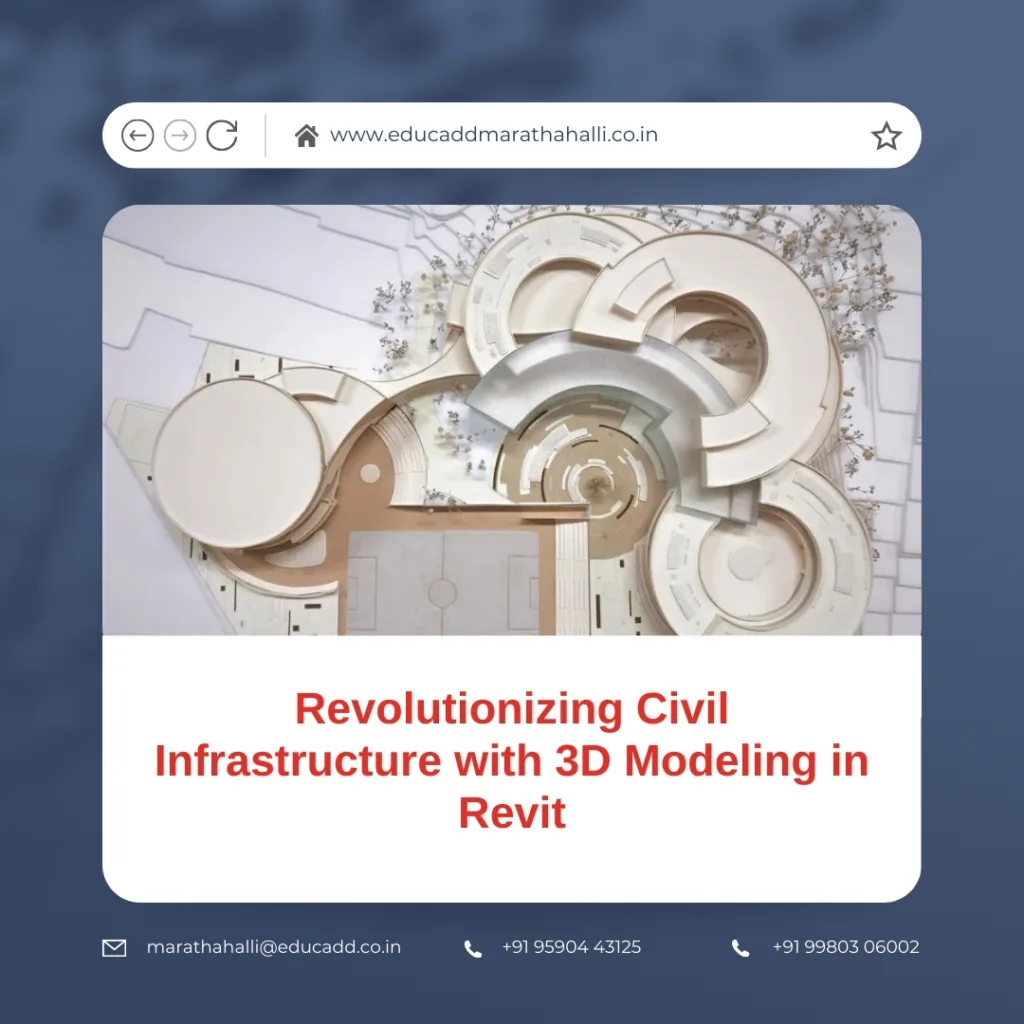
3D Modeling Revit Civil
By using Revit, civil engineers can visualize structures in three dimensions, coordinate across disciplines, and reduce costly errors during construction. Moreover, Revit models offer clear insights for stakeholders, enabling better decision-making and planning. In this article, we delve into the applications, benefits, and best practices for using 3D Modeling in Revit for Civil Engineering Projects effectively.
Why 3D Modeling is Essential in Modern Civil Engineering
Civil engineering projects are inherently complex, involving multiple teams and design disciplines. Relying solely on 2D drawings often leads to miscommunication, design inconsistencies, and on-site errors. Here, 3D Modeling in Revit for Civil Engineering Projects provides a clear solution.
First, 3D visualization allows engineers to see the complete structure before construction begins. This visibility helps detect design conflicts early. For instance, misaligned columns or overlapping beams can be corrected in the model, saving time and costs.
Second, Revit enhances teamwork. Multiple professionals can collaborate on the same model simultaneously. Updates made by one team automatically reflect across all views, keeping the project consistent.
Finally, 3D models improve communication with clients and contractors. Stakeholders can grasp the project’s scale, layout, and design intent without interpreting complex 2D plans. Consequently, adopting 3D Modeling in Revit for Civil Engineering Projects boosts efficiency and clarity across every project phase.
Core Features of Revit for Civil Engineers
Revit offers a robust suite of tools designed specifically for civil engineering tasks. These features allow engineers to design, analyze, and manage projects with precision.
-
Parametric Design
Every component in Revit is interlinked. Adjusting one element, such as a beam length, automatically updates connected components. This ensures uniformity and reduces manual errors. -
Structural Modeling Tools
Revit supports structural elements like beams, columns, slabs, and foundations. Civil engineers can design bridges, buildings, or industrial structures accurately. -
Site and Topography Integration
Revit enables importing and creating topographic maps. Engineers can plan roads, land grading, and drainage systems while considering the natural landscape. -
Cloud Collaboration via BIM 360
Revit’s integration with BIM 360 allows real-time collaboration. Multiple users can work on the model simultaneously, reducing version conflicts and ensuring project cohesion. -
Analytical and Simulation Tools
Engineers can perform structural analysis, detect clashes, and simulate load scenarios within Revit. These capabilities enhance safety and optimize designs before construction begins.
With these tools, civil engineers can leverage 3D Modeling in Revit for Civil Engineering Projects to streamline workflows, improve accuracy, and enhance collaboration.
Practical Applications Across Civil Engineering Projects
The practical applications of 3D Modeling in Revit for Civil Engineering Projects are vast. It serves as a core tool in designing bridges, roads, drainage systems, and buildings.
Bridge Design
Revit allows detailed modeling of piers, decks, and supports. Engineers can simulate structural performance and optimize materials. Coordination between architects, structural engineers, and contractors becomes seamless.
Road and Highway Projects
Civil engineers can create terrain models, road alignments, and grading plans in Revit. This enables safer, cost-effective, and environmentally responsible road designs.
Water and Wastewater Infrastructure
Pipeline routing, drainage systems, and pumping stations can be modeled in 3D. Engineers can detect potential clashes with other utilities, reducing delays and preventing construction issues.
Building Structures
From commercial buildings to multi-story residential complexes, Revit provides tools for designing structural and MEP elements. The parametric approach ensures designs remain flexible yet precise.
Through these applications, 3D Modeling in Revit for Projects delivers measurable improvements in project quality and efficiency.
Advantages of 3D Modeling in Revit for Civil Engineering Projects
Adopting 3D Modeling in Revit for Civil Engineering Projects provides numerous tangible benefits:
-
High Accuracy
3D models eliminate guesswork. Engineers can precisely visualize dimensions, spatial relationships, and component alignment, reducing errors significantly. -
Time Efficiency
Revit automates repetitive design tasks, such as updating sections or annotations. This frees engineers to focus on problem-solving and innovation. -
Cost Reduction
By reducing design conflicts, rework, and material wastage, Revit minimizes construction costs and delays. -
Better Communication
3D models clearly convey design intent to clients, contractors, and stakeholders. Visual clarity accelerates approvals and improves collaboration. -
Sustainability and Optimization
Revit supports energy analysis, material optimization, and environmental impact assessment. Engineers can create designs that are both efficient and sustainable.
Overall, integrating 3D Modeling in Revit for Civil Engineering Projects ensures project accuracy, efficiency, and stakeholder satisfaction.
Best Practices for Effective 3D Modeling in Revit
Successful implementation of 3D Modeling in Revit Projects requires careful planning and adherence to best practices:
-
Accurate Data Input
Ensure all site surveys, topographic maps, and existing infrastructure data are precise. Accurate input prevents errors later. -
Standardized Templates
Use project templates with predefined layers, materials, and annotations. This ensures consistency across multiple projects. -
Early Collaboration
Involve all stakeholders early in the design process. Frequent interaction minimizes conflicts and improves project outcomes. -
Clash Detection
Regularly use Revit’s clash detection tools. Resolving conflicts early saves time, reduces cost, and prevents project delays. -
Continuous Learning
Revit frequently updates with new tools. Engineers should engage in training to maintain efficiency and stay competitive.
By following these guidelines, civil engineers can maximize the advantages of 3D Modeling in Revit for Civil Engineering Projects and deliver superior, accurate, and timely results.
Conclusion
The use of 3D Modeling in Revit for Civil Engineering Projects has fundamentally transformed civil engineering workflows. From bridges and roads to complex buildings, Revit enables precise design, efficient collaboration, and clear communication.
Engineers adopting 3D modeling experience fewer errors, faster project completion, and lower costs. Moreover, Revit’s analytical tools and sustainability features make it a forward-looking choice for modern infrastructure projects.
By implementing best practices, continuously updating skills, and leveraging Revit’s powerful capabilities, civil engineers can ensure their projects meet the highest standards of quality and efficiency.
Embrace 3D modeling with Revit, and reshape the future of civil engineering projects today.

